Top search terms
Home
/
Genset Controller Module, DGS6120UC LCD Display Generator Automatic Controller Generator Set Parameters Monitoring Control Panel for HGM6120UC
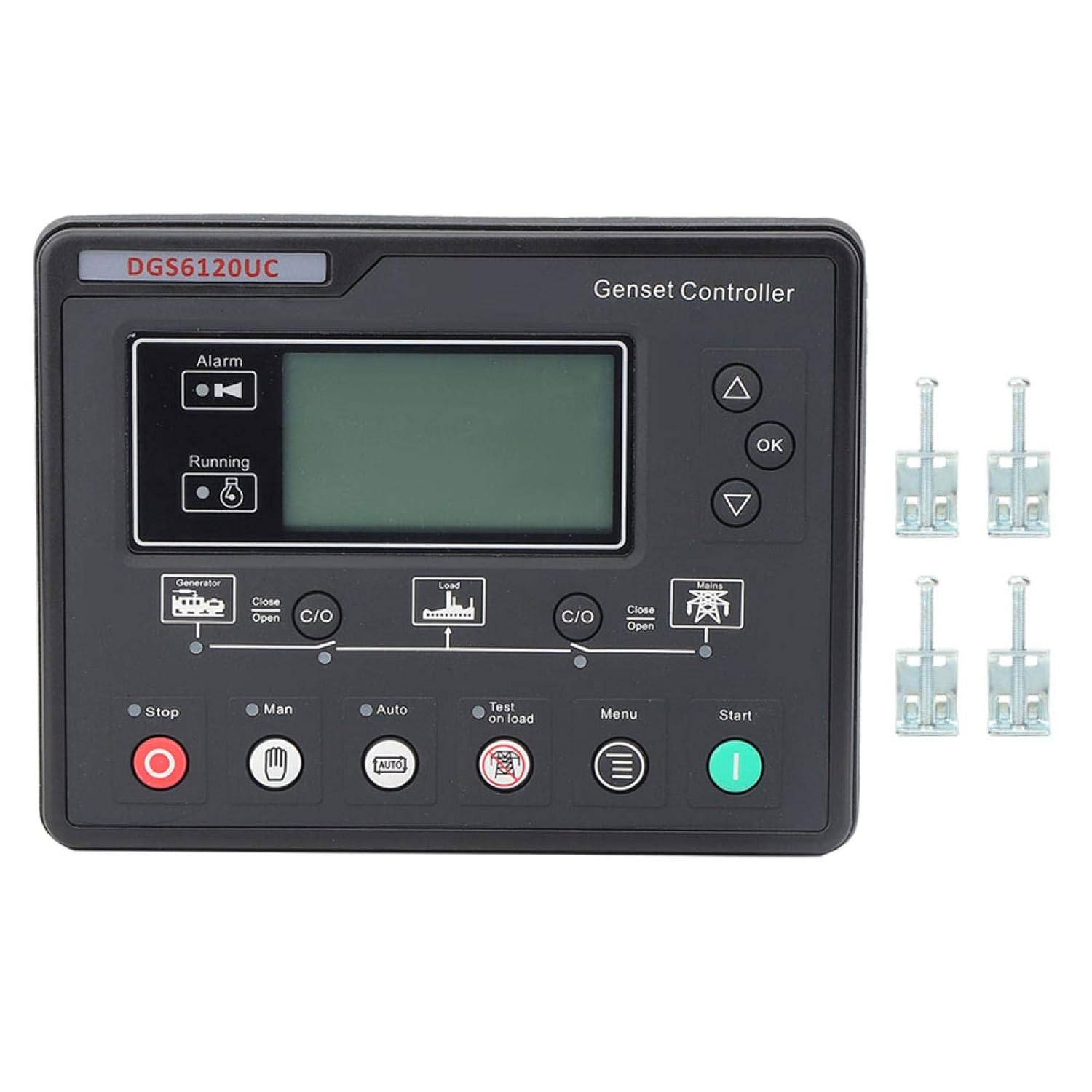
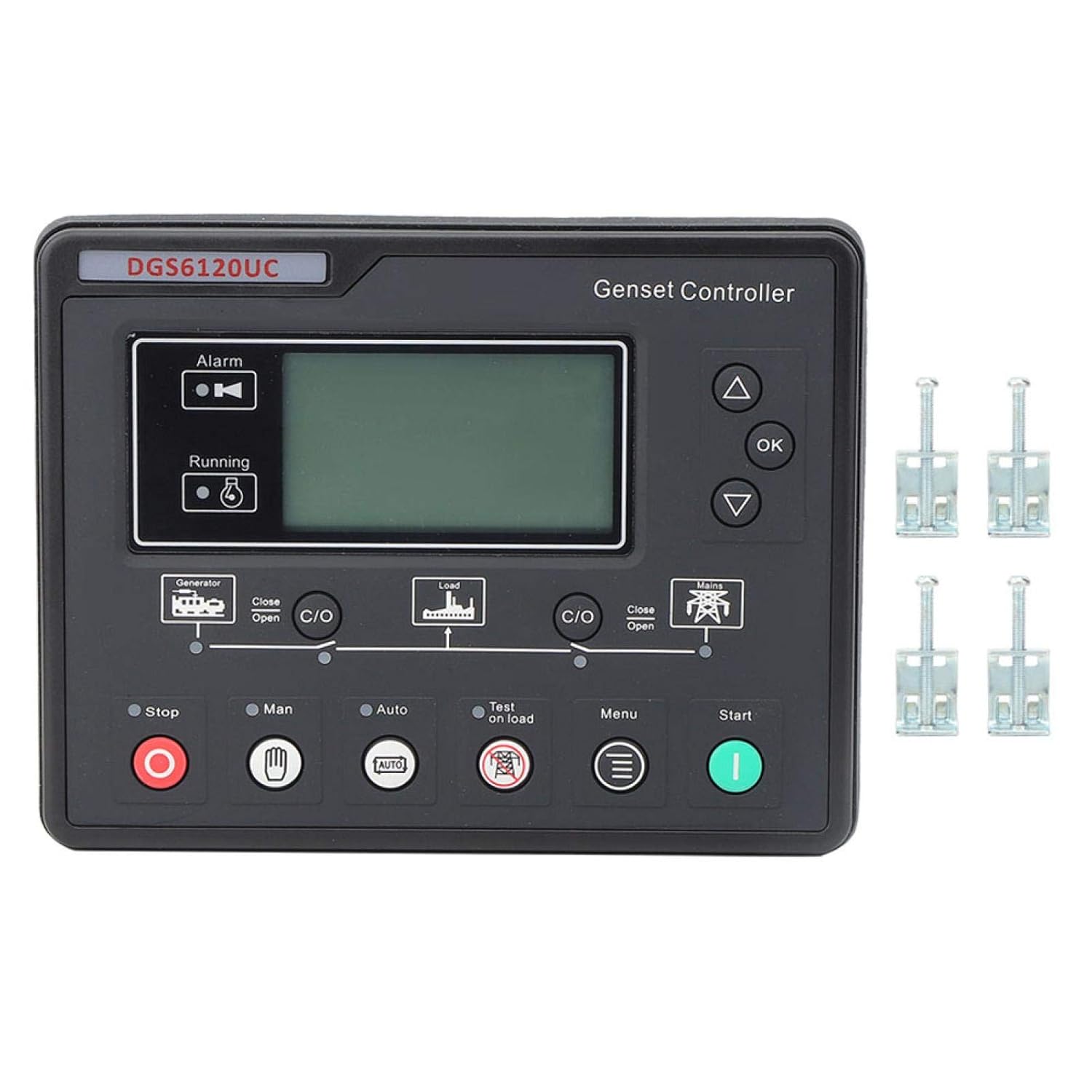
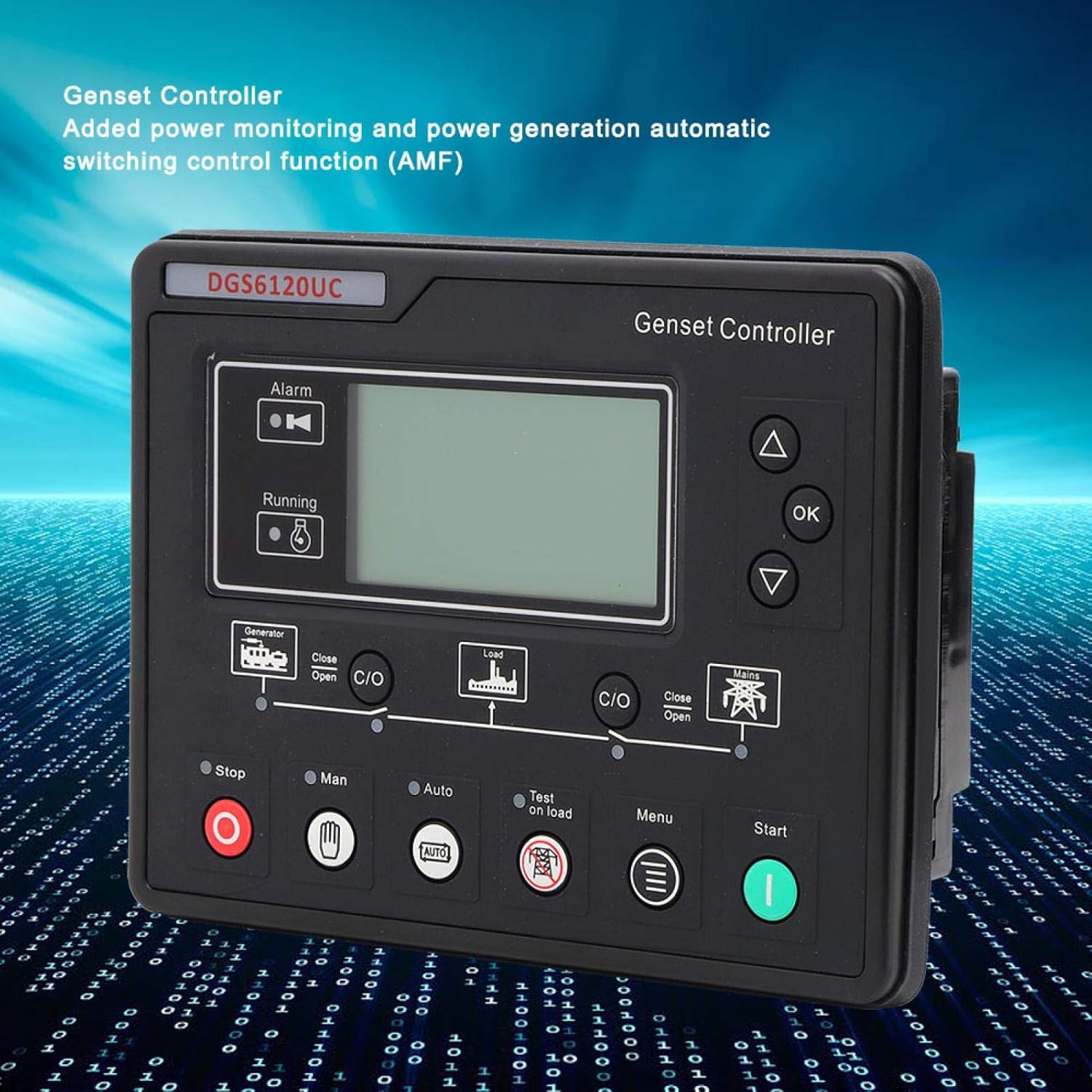
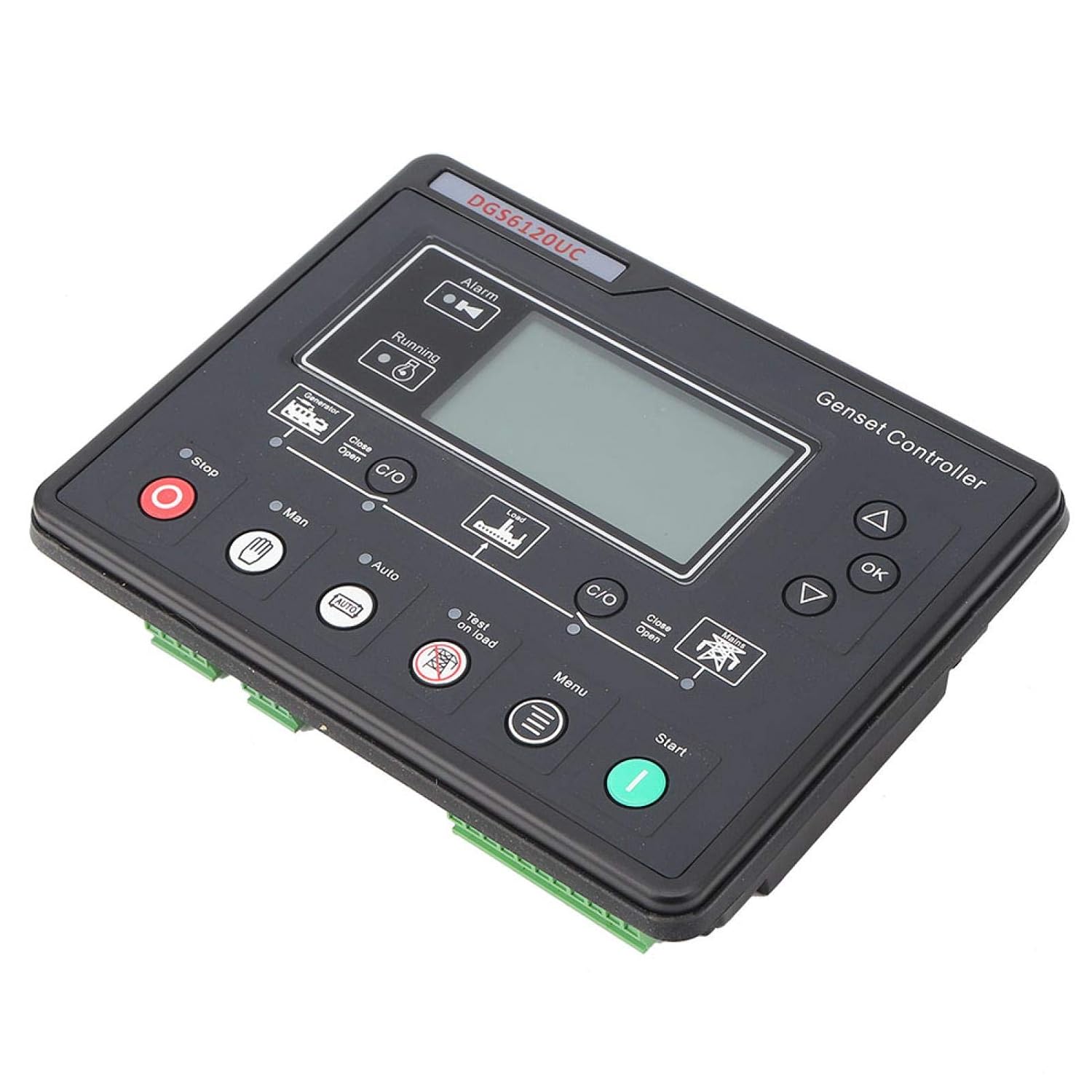
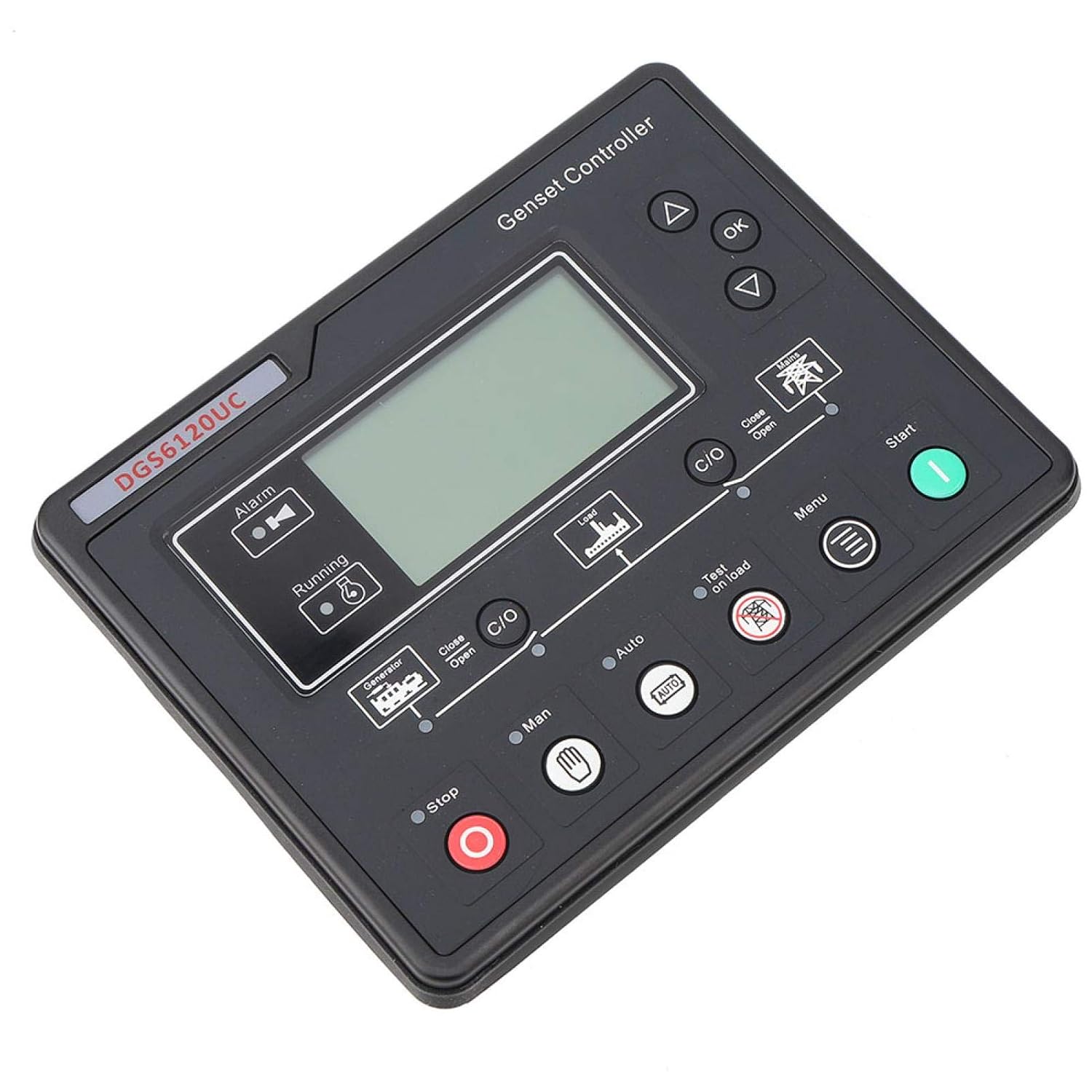
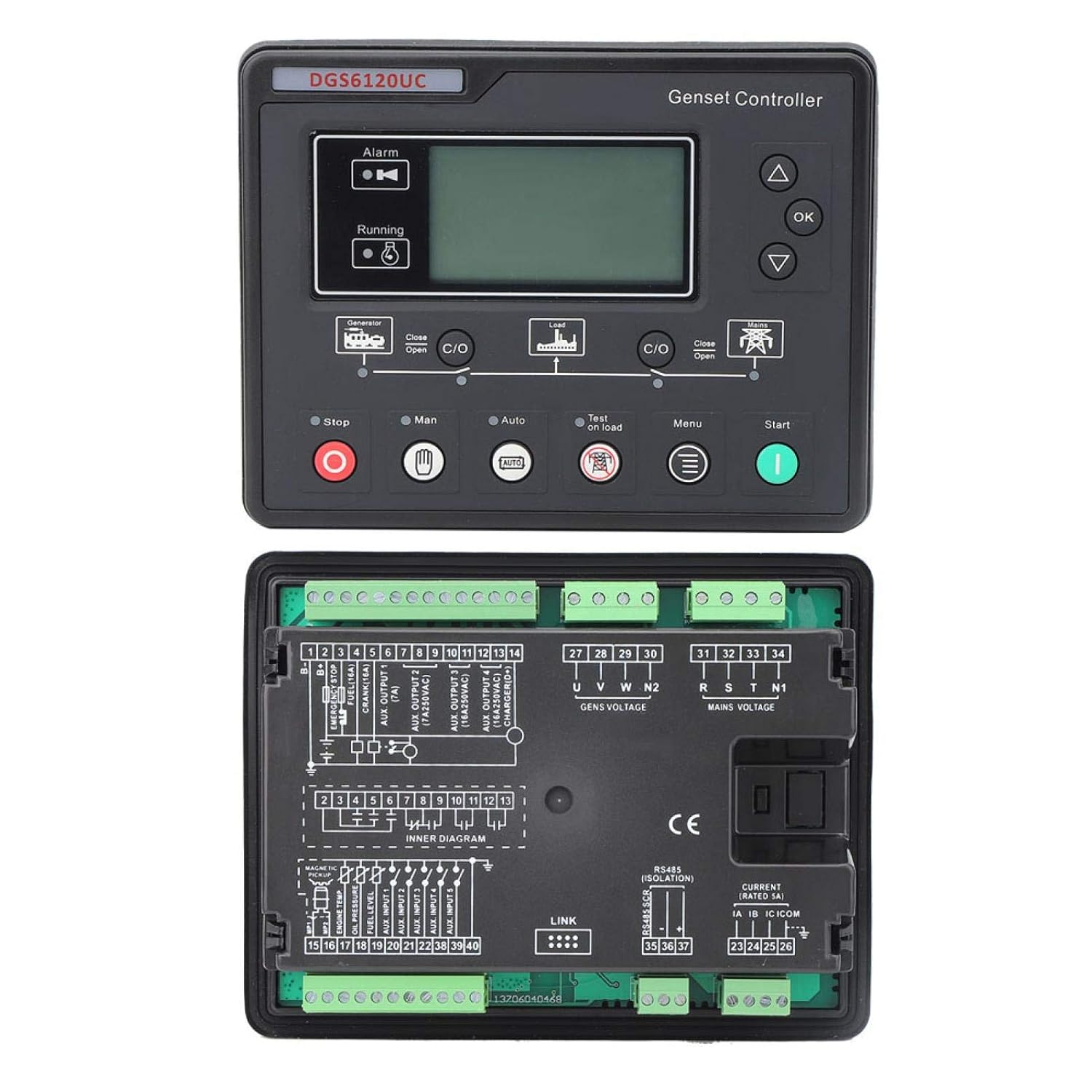
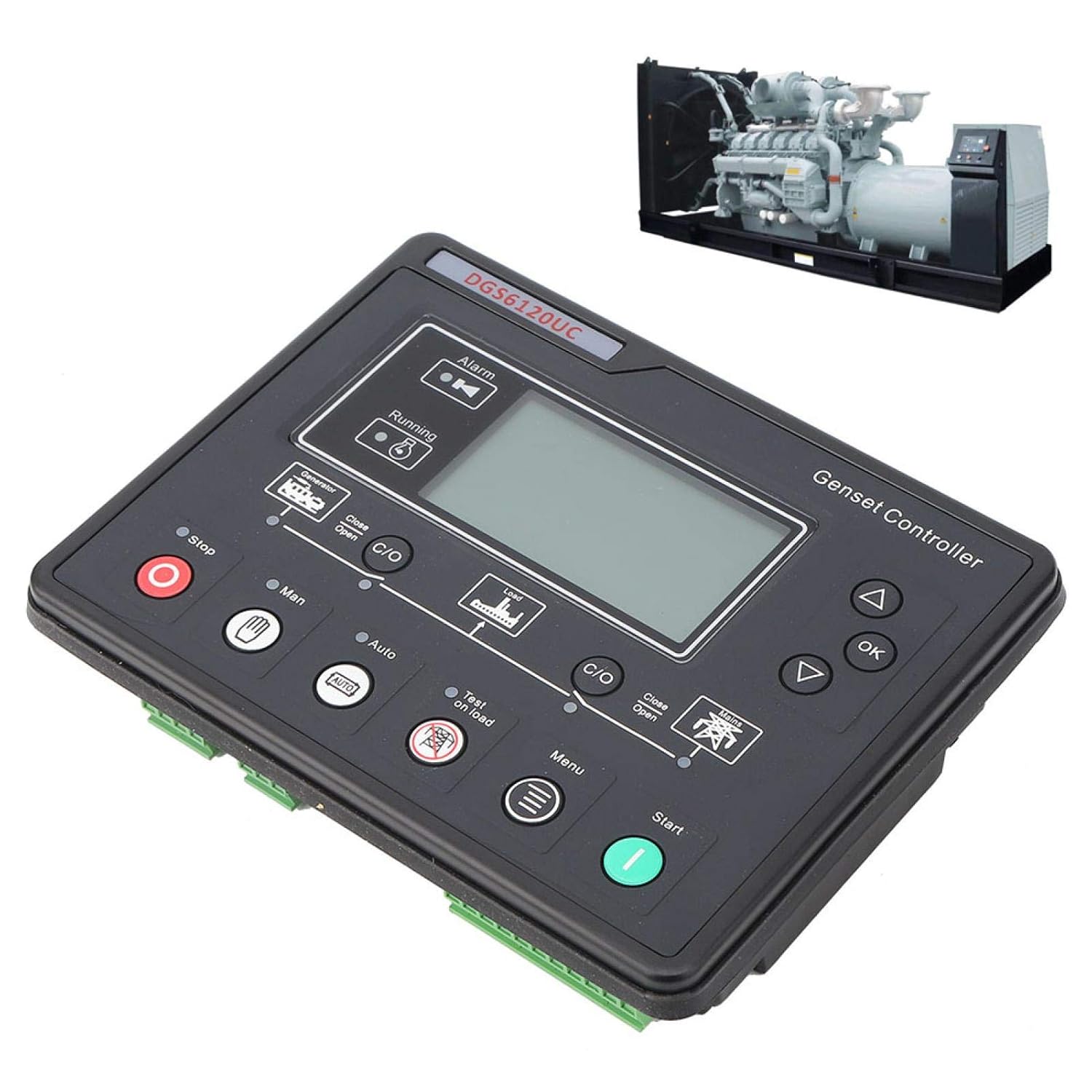
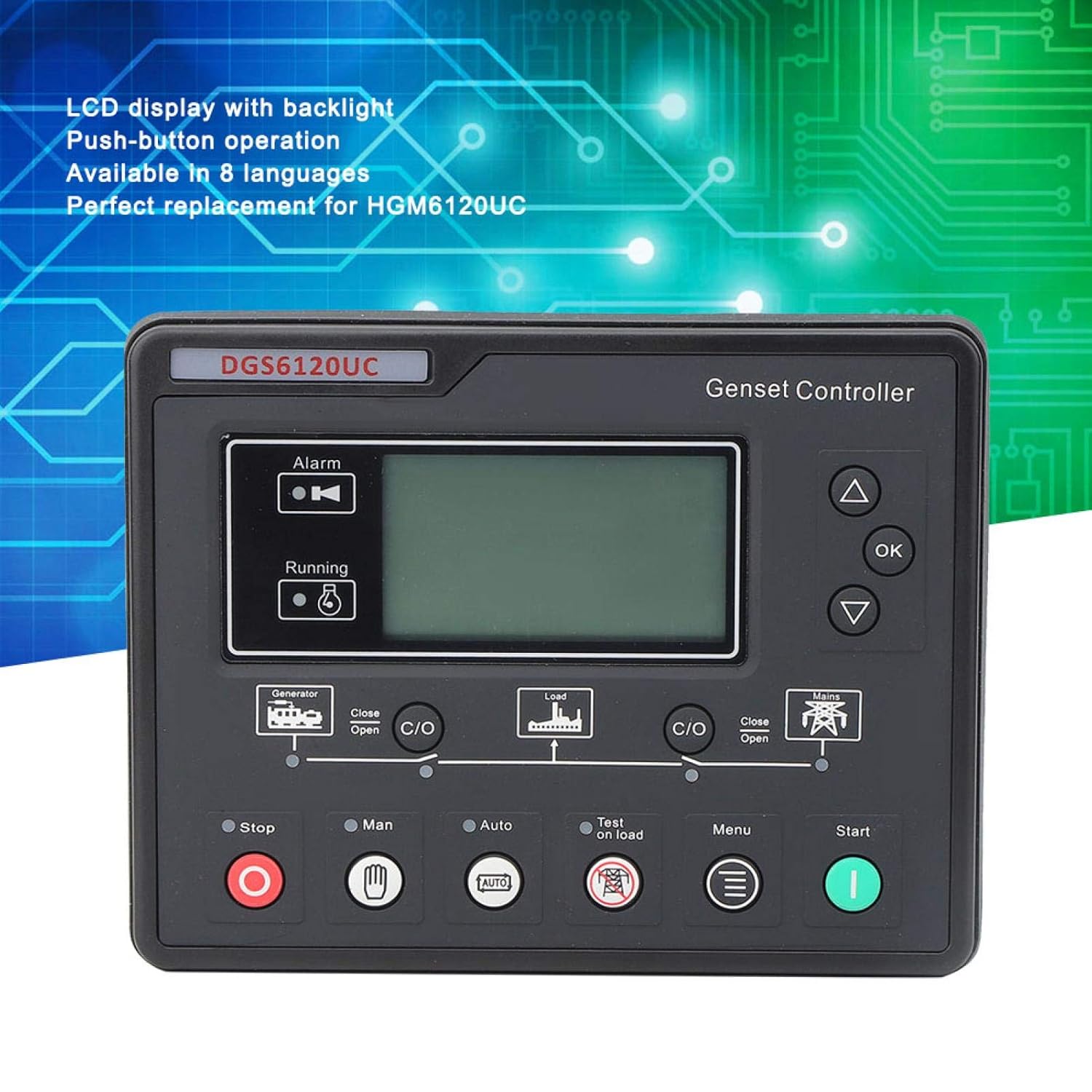
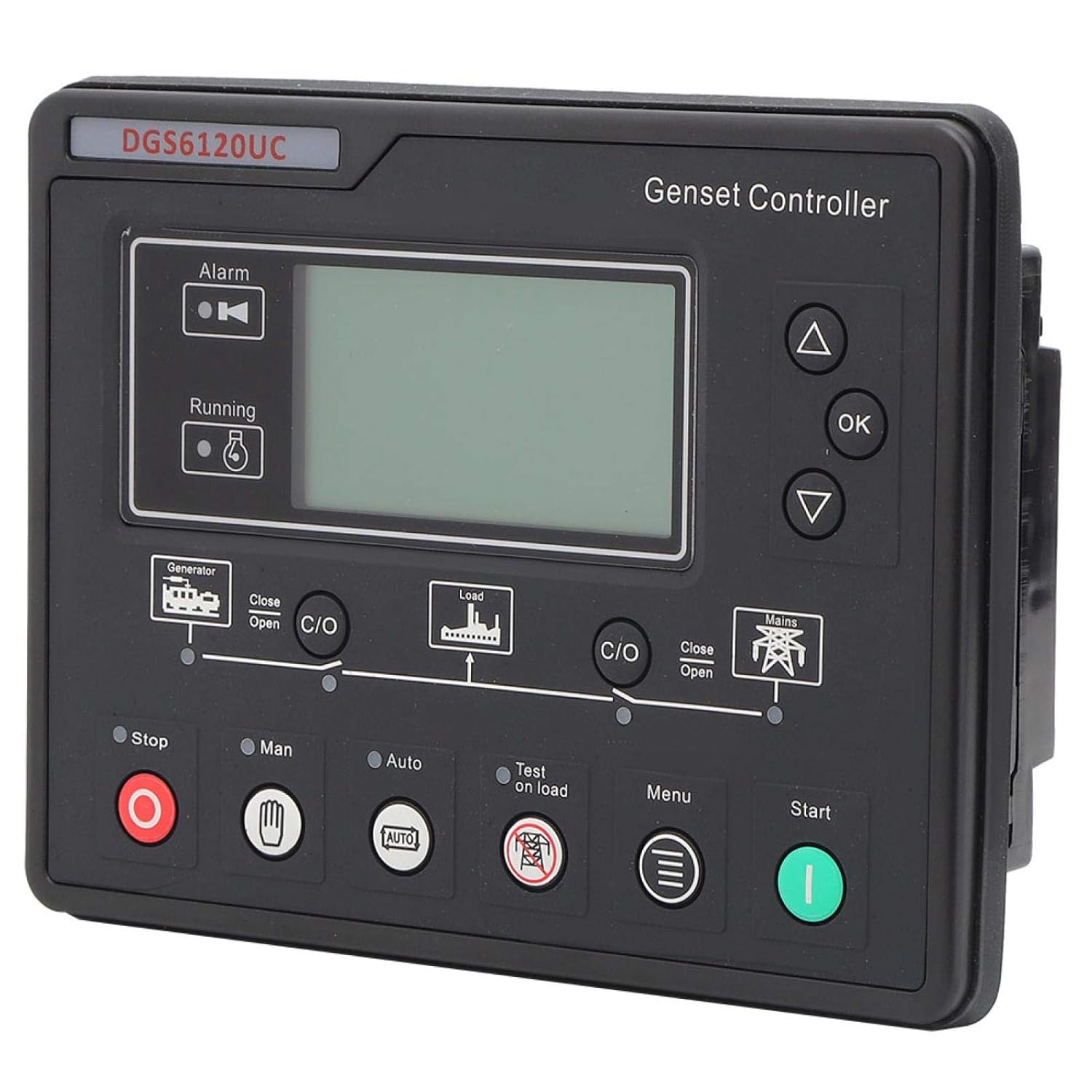
Genset Controller Module, DGS6120UC LCD Display Generator Automatic Controller Generator Set Parameters Monitoring Control Panel for HGM6120UC
✅【8 LANGUAGES AVAILABLE】: Genset Controller Module is available in 8 languages, which includes English, Chinese, Spanish, Russian, Portuguese, Turkish, Polish, French, which can be good helper to you.
✅【LCD BACKLIGHT DISPLAY】: Generator Set Controller has designed with LCD Display Panel, with bac
✅【LCD BACKLIGHT DISPLAY】: Generator Set Controller has designed with LCD Display Panel, with bac
Quantity
-
Detail
Specification:
Item Type: Genset Controller
Material: Plastic
Mains Voltage Normal Delay: (0-3600)S
Mains Voltage Abnormal Delay: (0-3600s
Mains Voltage Low Threshold: (30-620)V
Mains Voltage High Threshold: (30 620)V
Switching Interval: (0-99.9)S
Power-On Delay: (0-3600)S
Stop Delay: (0-3600)S
Starting Times: (1-10)
Warm-Up Time: (0-300)S
Starting Time: (3-60)S
Starting Interval Time: (3-60)S
Safe Running Time: (1-60)S
Startup Idle Time: (0-3600)S
High-Speed Warm-Up Time: (0-3600)S
High Speed Cooling Time: (0-3600)S
Stop Idle Time: (0-3600)S
Power Down Time: (0-120)S
Waiting for Stop Delay: (0-120)S
Switch Closing Delay: (0-10)S
Engine Teeth: (10-300)
Abnormal Power Generation Delay: (0-20.0)S
Generating Overvoltage Shutdown Threshold: (30-620) V
Generating Undervoltage Shutdown Threshold: (30-620) V
Underspeed Shutdown Threshold: (0-6000) Rpm
Overspeed Shutdown Threshold: (0-6000) Rpm
Under Frequency Shutdown Threshold: (0-75.0) Hz
Over-Frequency Shutdown Threshold: (0-75.0) Hz
Over-Temperature Shutdown Threshold: (80-140)C
Low Oil Pressure Shutdown Adjustment Value: (0-400) Kpa
Low Fuel Level Threshold: (0-100)%
Speed Signal Loss Delay: (0-20.0)S
Failure Threshold: (0-30)V
Battery Overvoltage Threshold: (12-40)V
Battery Undervoltage Threshold: (4-30)V
Package List:
4 x Fixing Screw
1 x Instruction Manual- Installation Instructions:
- This instructional document provides quick guidelines when using the DGS6100UC series controller. Please refer to the standard instruction for details.
- There are four of the DGS6100U series as follows:
- Model DGS6110U/6110UC is used for stand-alone automation control.
- DGS6120U/6120UC adds mains electricity monitoring and mains generation automatic switching control function (AMF) on the basis of DGS6110U/6110UC
- Note 1: DGS6110UC/6120UC has RS485 interface, DGS6110U/6120U has no RS485 interface.
- Note 2: The following text uses DGS6110UC/6120UC as examples.
- Key Function Description:
- Stop/Reset Button
- ·In the manual/automatic mode, the running genset can be stopped.
- Under the alarm state of the generator set, any shutdown alarm can be reset.
- ·In the stop mode, press this button for more than 3s to test whether the panel indicator is normal (test light). During shutdown, press this key again to stop quickly.
- Power Button
- ·In manual mode or manual test mode, press this key to start the stationary genset
- Manual key Press this key to put the controller into manual mode.
- Auto key Press this key to put the controller into auto mode
- On-load test machine key
- ·Press this key to put the controller into manual test mode.
- ·In this mode, when the power generation is normal, the generator set will run automatically with load. (DGS6110U does not have this function)
- c/O closing and opening key In manual mode, press this key to control the switch to close and open.
- OK setting/confirmation key Move the cursor in the parameter setting and confirm the setting information.
- Scroll up/increase the screen, move the cursor upward in the parameter setting or increase the number where the cursor is located
- Scroll down/decrease Scroll the screen, move the cursor down in the parameter setting or reduce the number where the cursor is
- Menu key, press this key to enter the setting menu. Press this key again to return to the main interface.
-
Customer ReviewsNo comments