Top search terms
Home
/
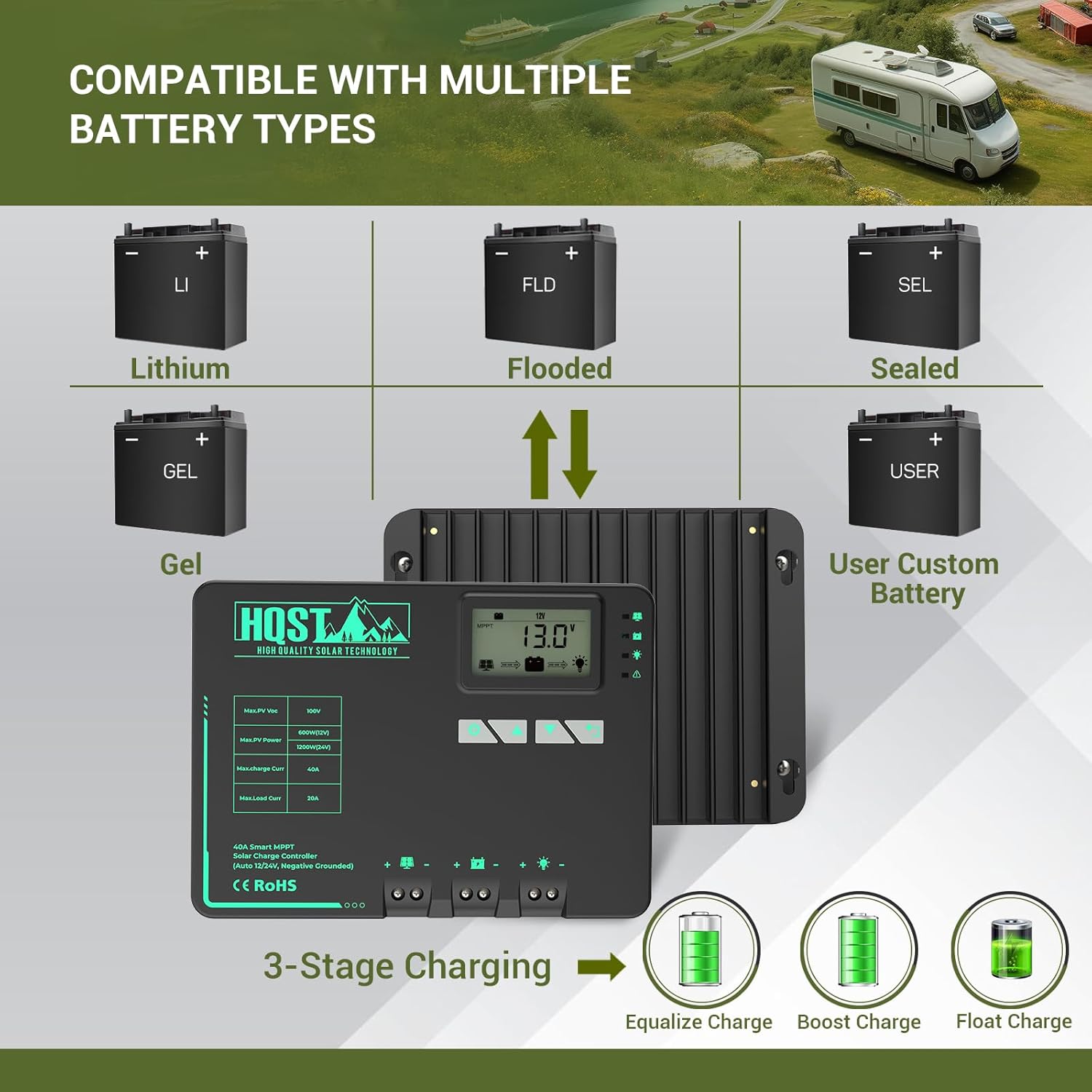
HQST MPPT Solar Charge Controller 40 Amp Negative Grounded Controller with Bluetooth LCD Display, 12V/24V DC Input Solar Panel Regulator for Gel Sealed Flooded and Lithium Battery
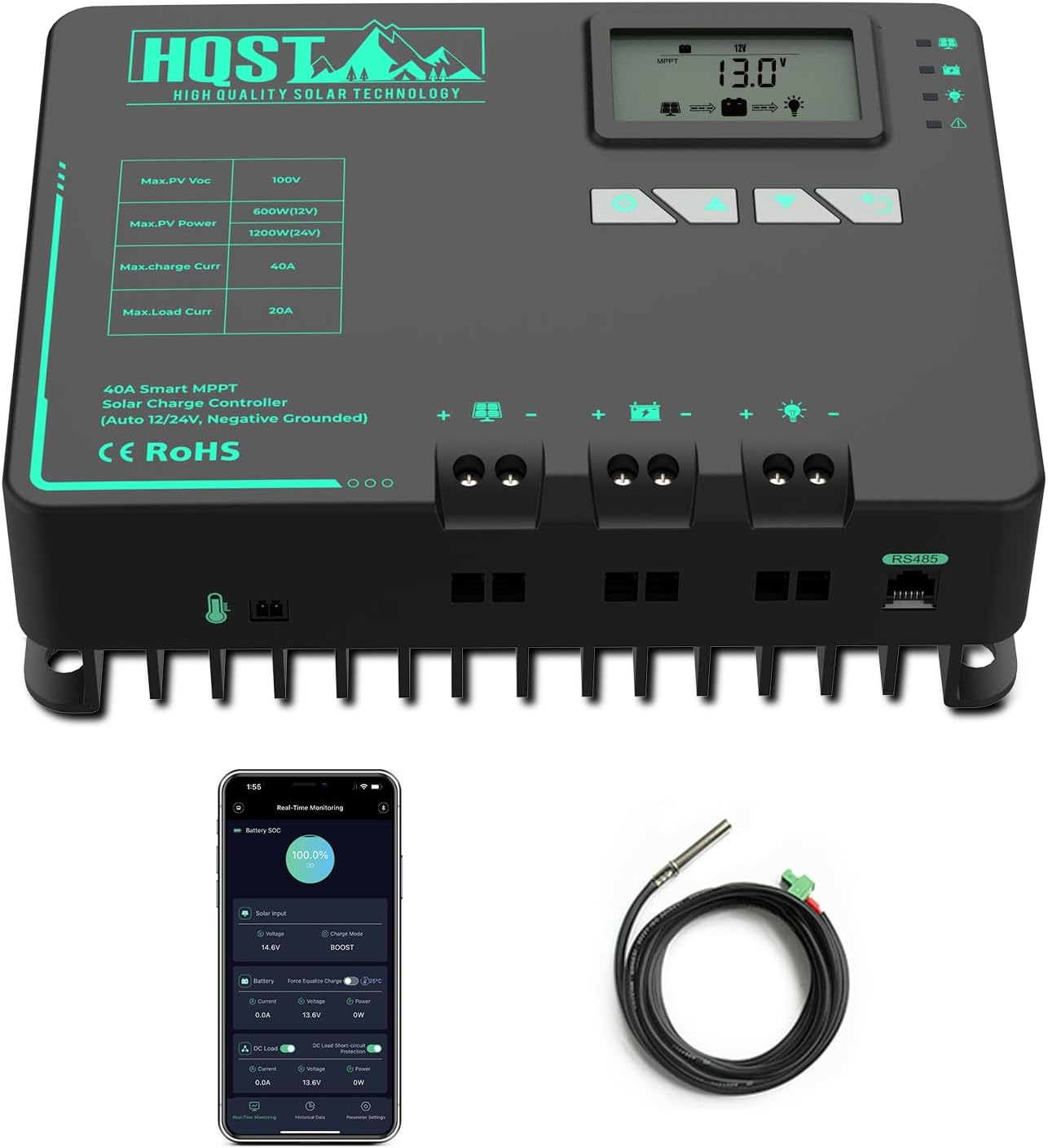
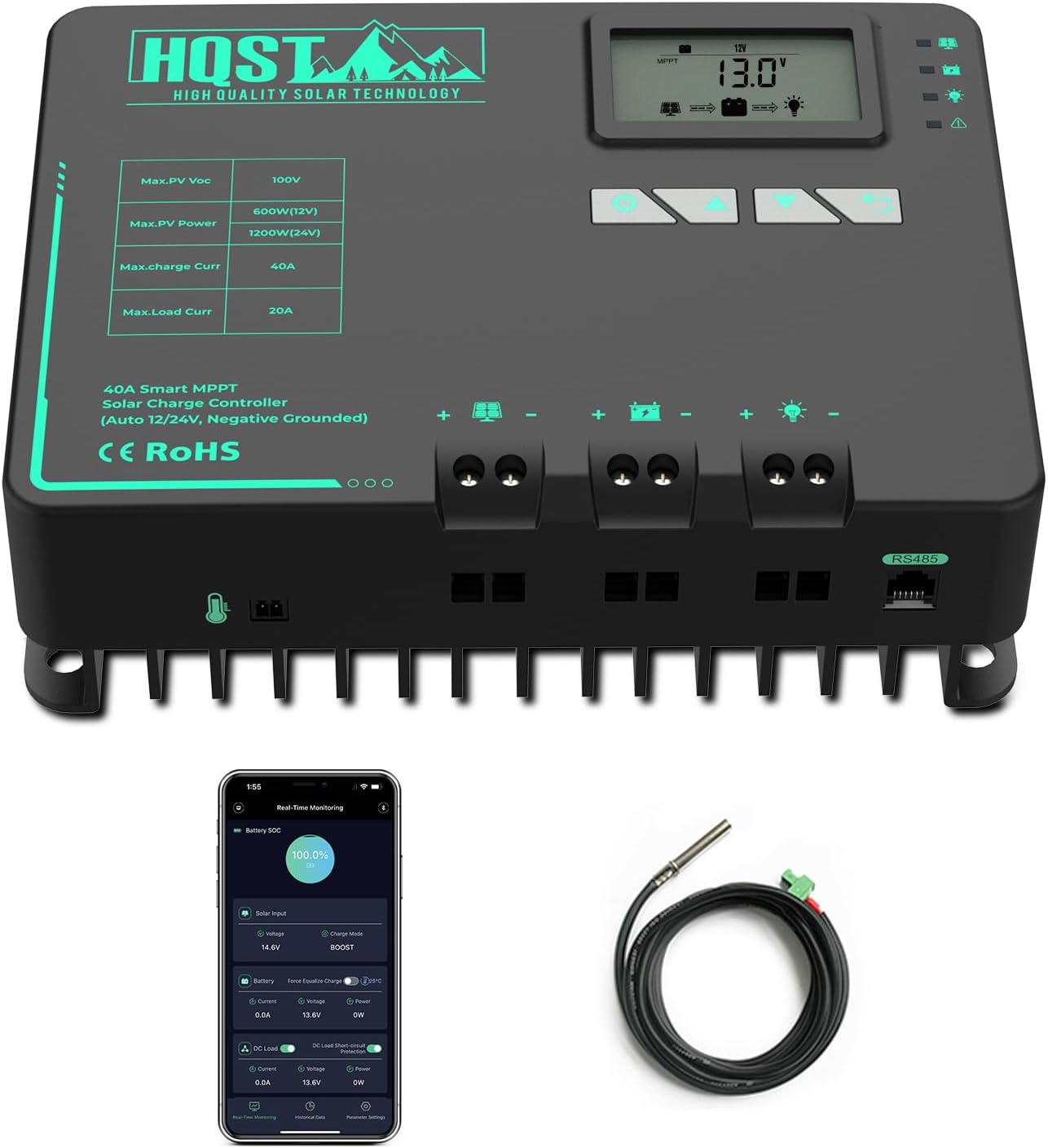

HQST MPPT Solar Charge Controller 40 Amp Negative Grounded Controller with Bluetooth LCD Display, 12V/24V DC Input Solar Panel Regulator for Gel Sealed Flooded and Lithium Battery
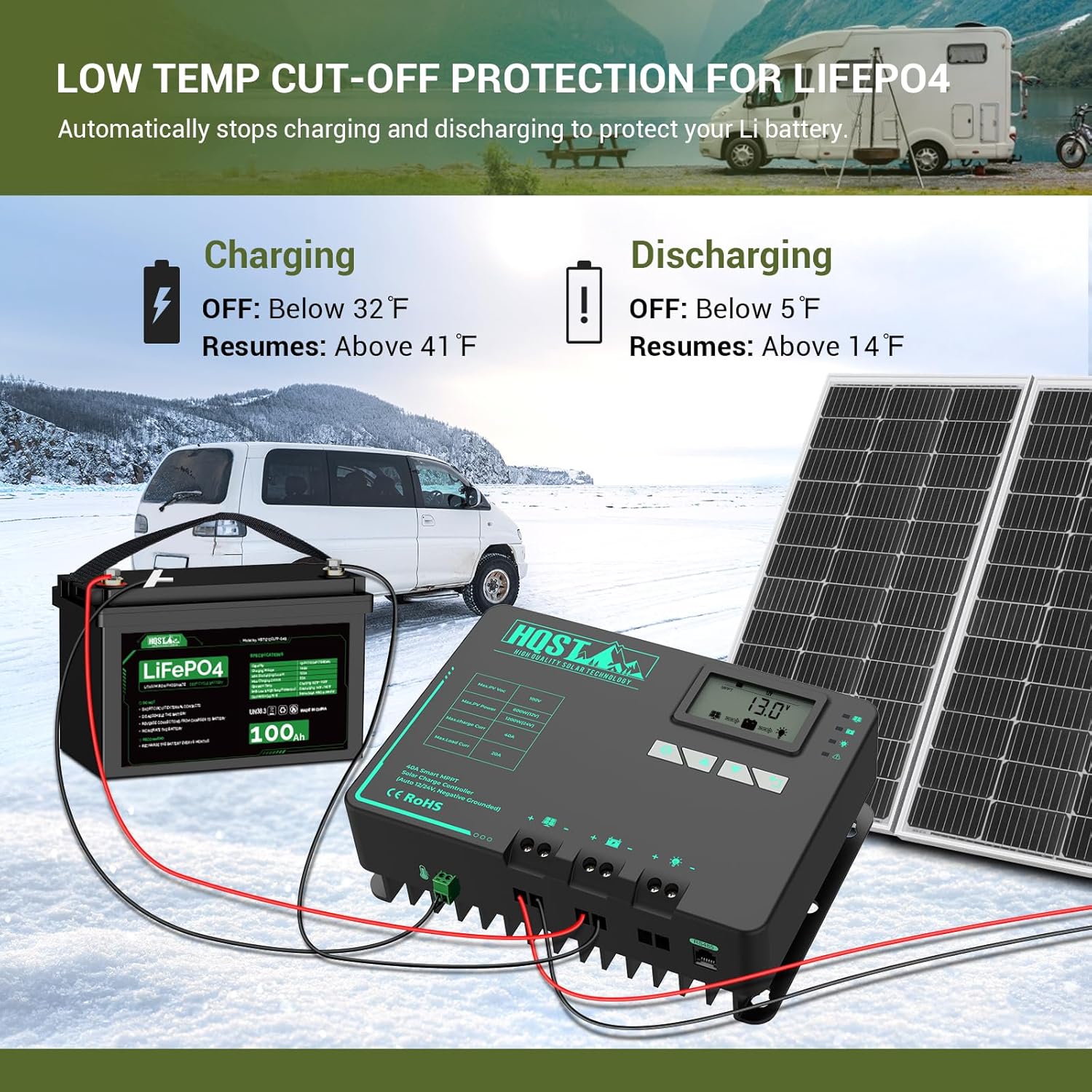
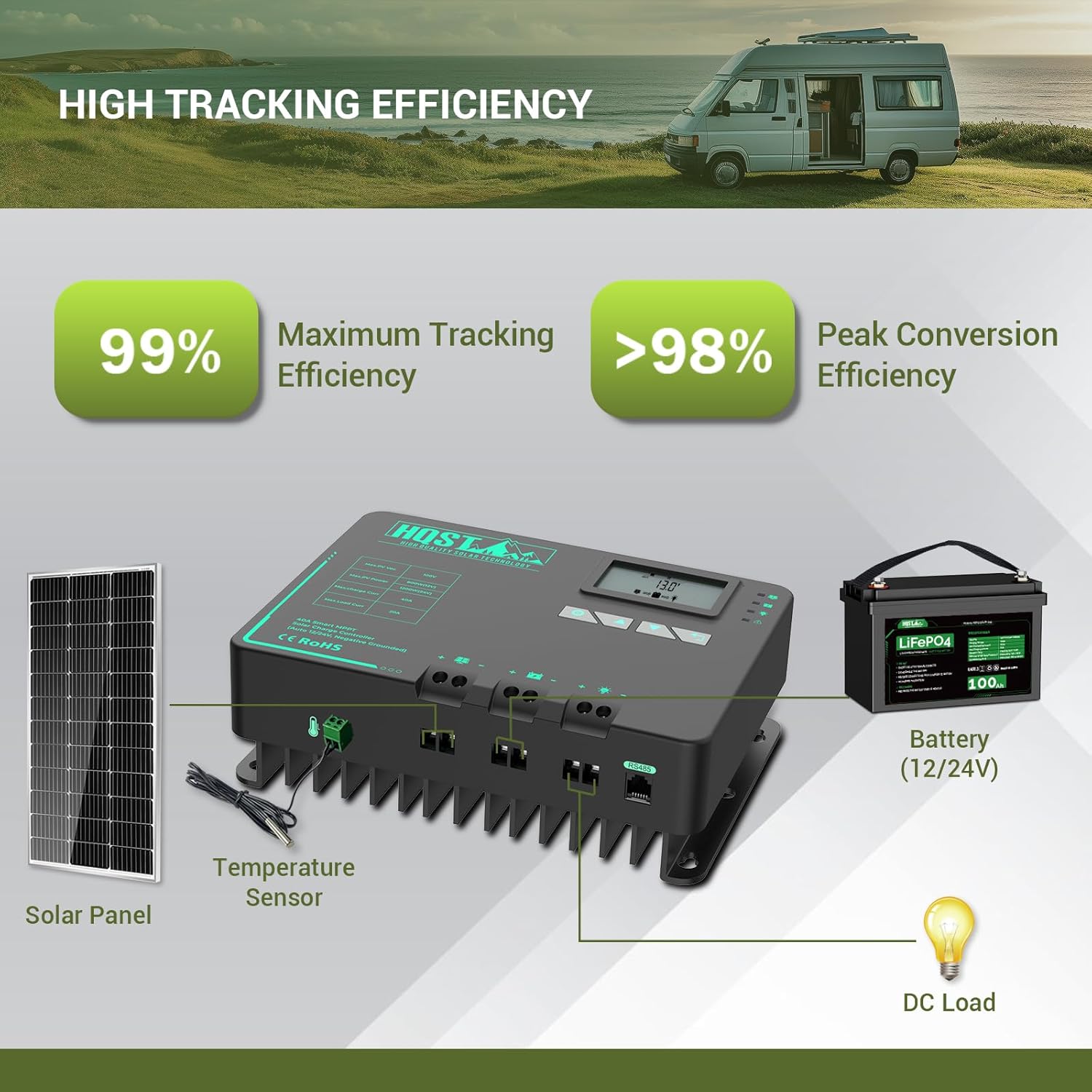
【HIGH TRACKING EFFICIENCY】- HQST 12V 40 amp solar charge controller adopts advanced MPPT technology that ensures fast and stable track of the maximum power point, high tracking efficiency of up to 99%, and peak conversion efficiency of 98%. Maximizing the energy from solar panels to charge your syst
Quantity
-
Detail
Flashing load light with an E04 error message, now what?
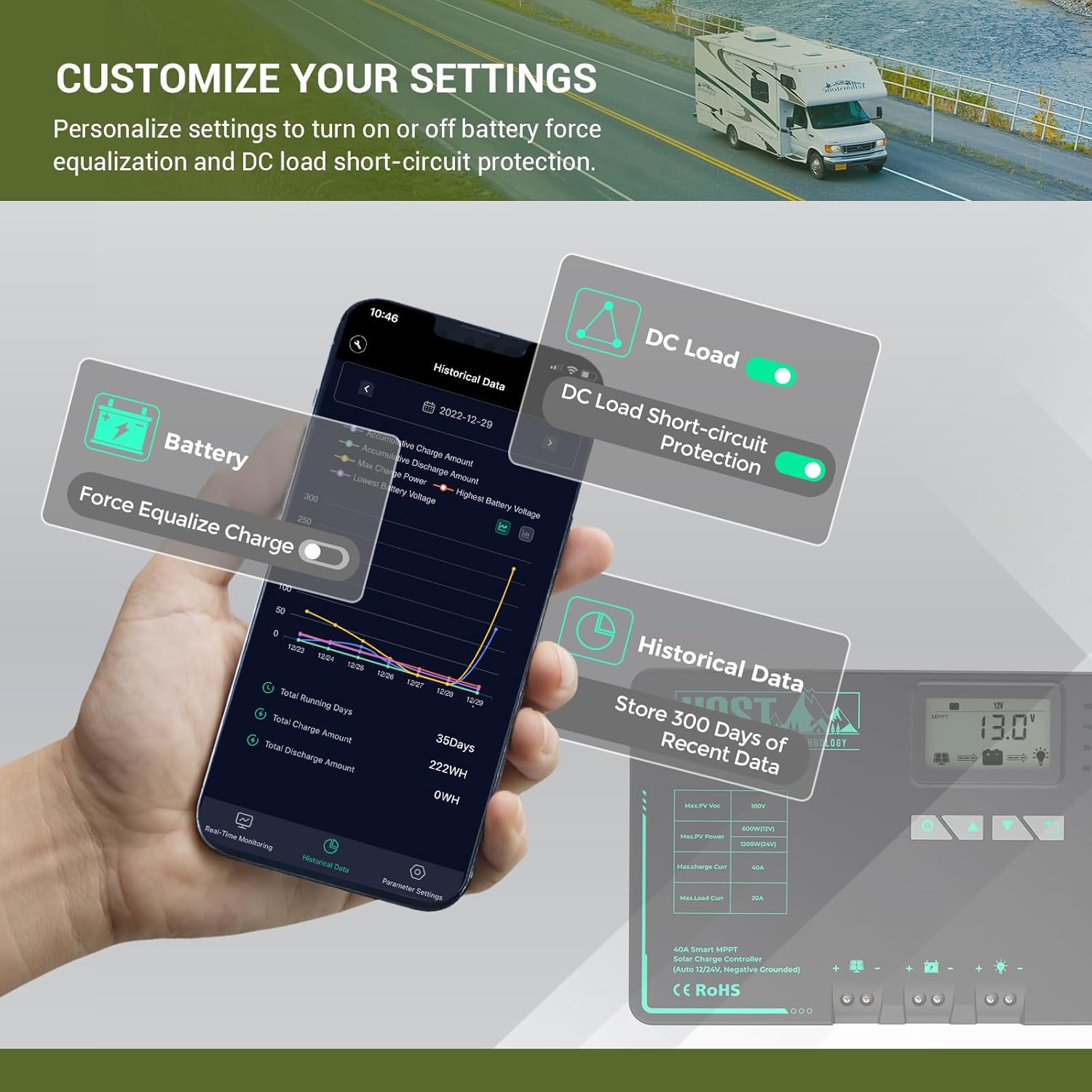
E04 indicates that your appliance may have triggered the controller's short-circuit protection. Press the 'Return' key on the controller, or disconnect the appliance that's being powered, then the controller will resume normal work 30s later.
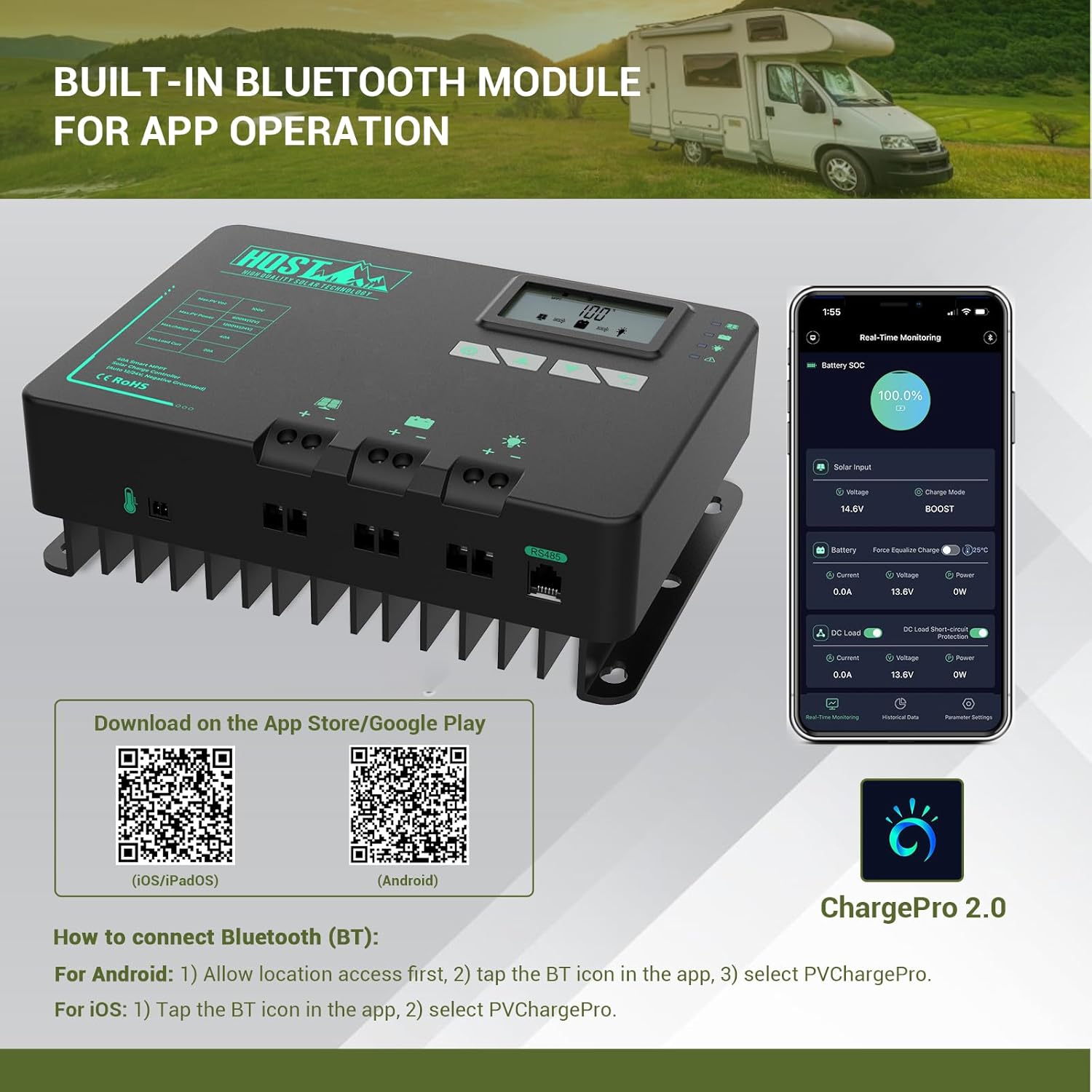
How to Connect Bluetooth (BT)
For Android Users: 1) Allow location first, 2) Tap the BT icon in the app, 3)Select PVChargePro.
For iOs Users: 1) Tap the BT icon in the app, 2) Select PVChargePro.
DC load stops working, What can I do?
Four Solutions For You:
1.Set the load mode to 17.
2.Check the indicators for abnormalities.
3.Press the 'return' key on the controller.
4.Open ChargePro2.0, enter the Real-Time Monitoring page, and turn off the DC Load Short-circuit Protection.
HQST Solar Charge Controller
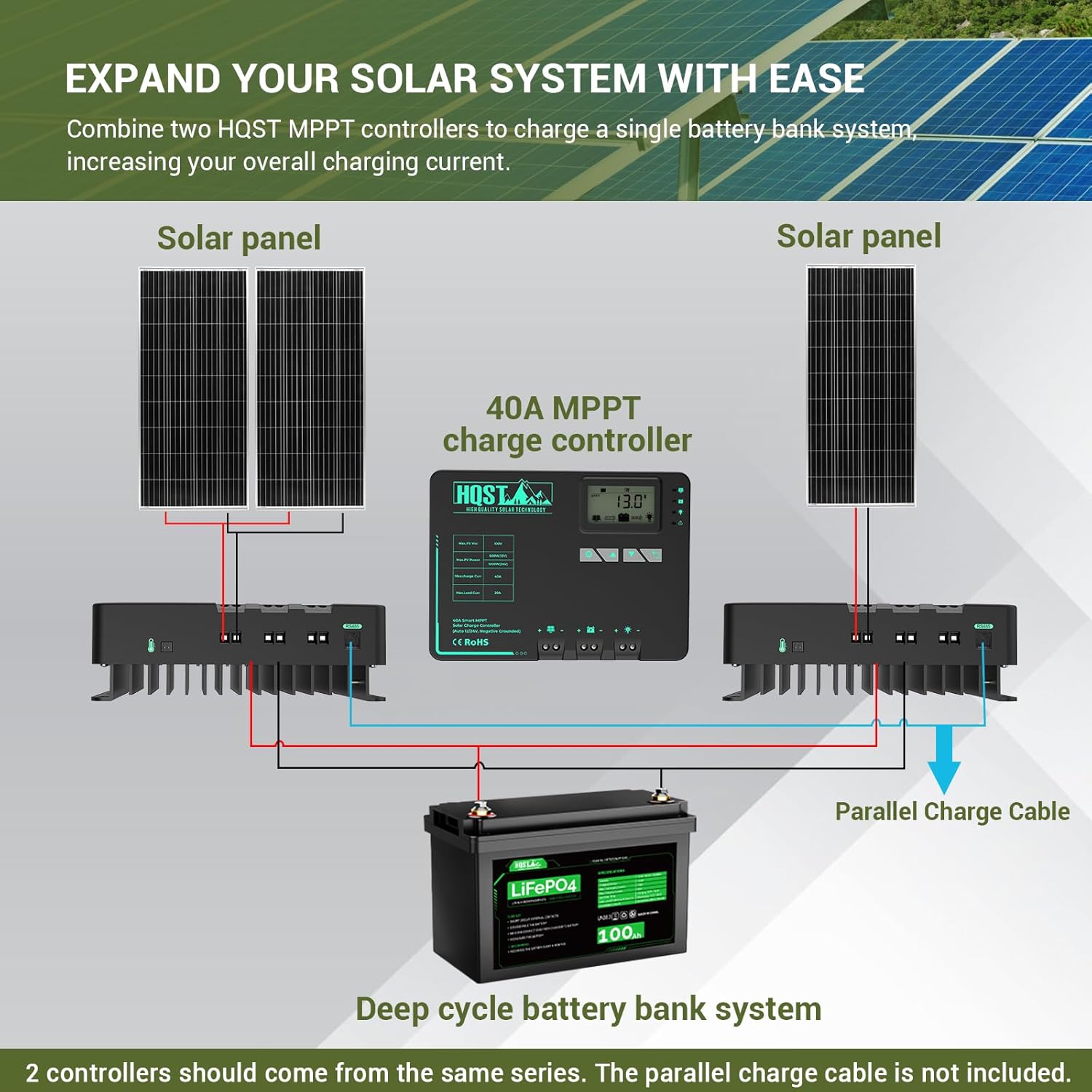
How to Wire Two HQST MPPT Controllers in Parallel
Support Parallel Wiring
Why is my controller flashing the error message E02?
Flashing load light with an E04 error message, now what?
How to Connect Bluetooth (BT)
DC load stops working, What can I do?
-
Customer ReviewsNo comments