Top search terms
Home
/
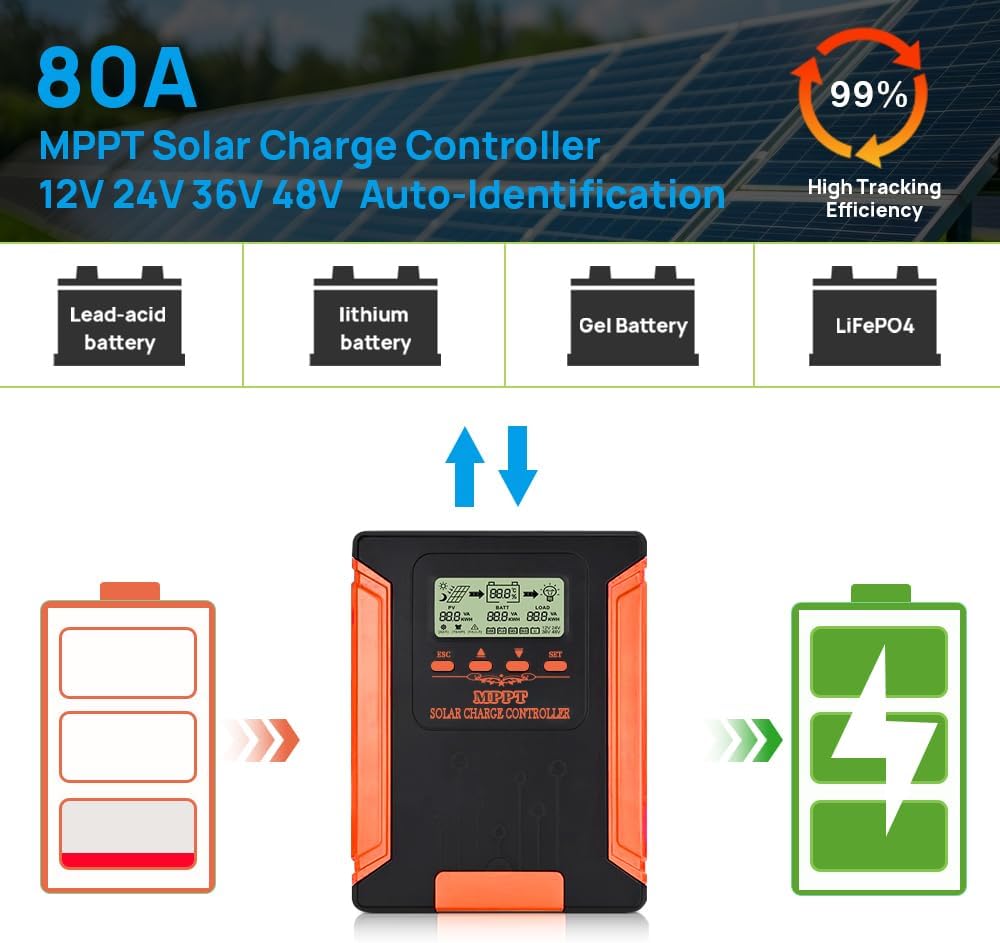
80A MPPT Solar Charge Controller 12V/24V/36V/48V DC Output for LiFePO4, AGM Sealed Gel Flooded Lithium Battery, MPPT Controller with LCD Display for 18/160V Solar Panels (APP Control)
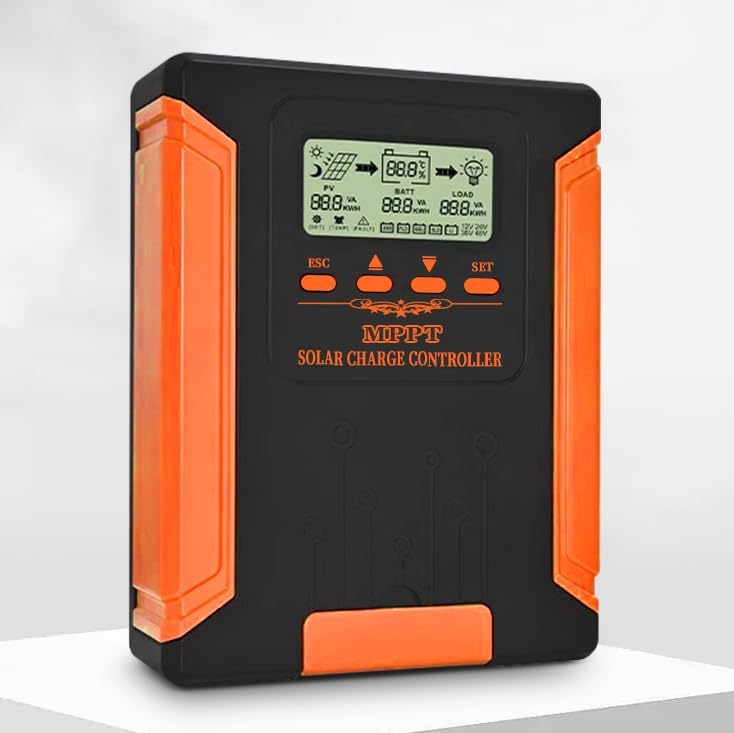
80A MPPT Solar Charge Controller 12V/24V/36V/48V DC Output for LiFePO4, AGM Sealed Gel Flooded Lithium Battery, MPPT Controller with LCD Display for 18/160V Solar Panels (APP Control)
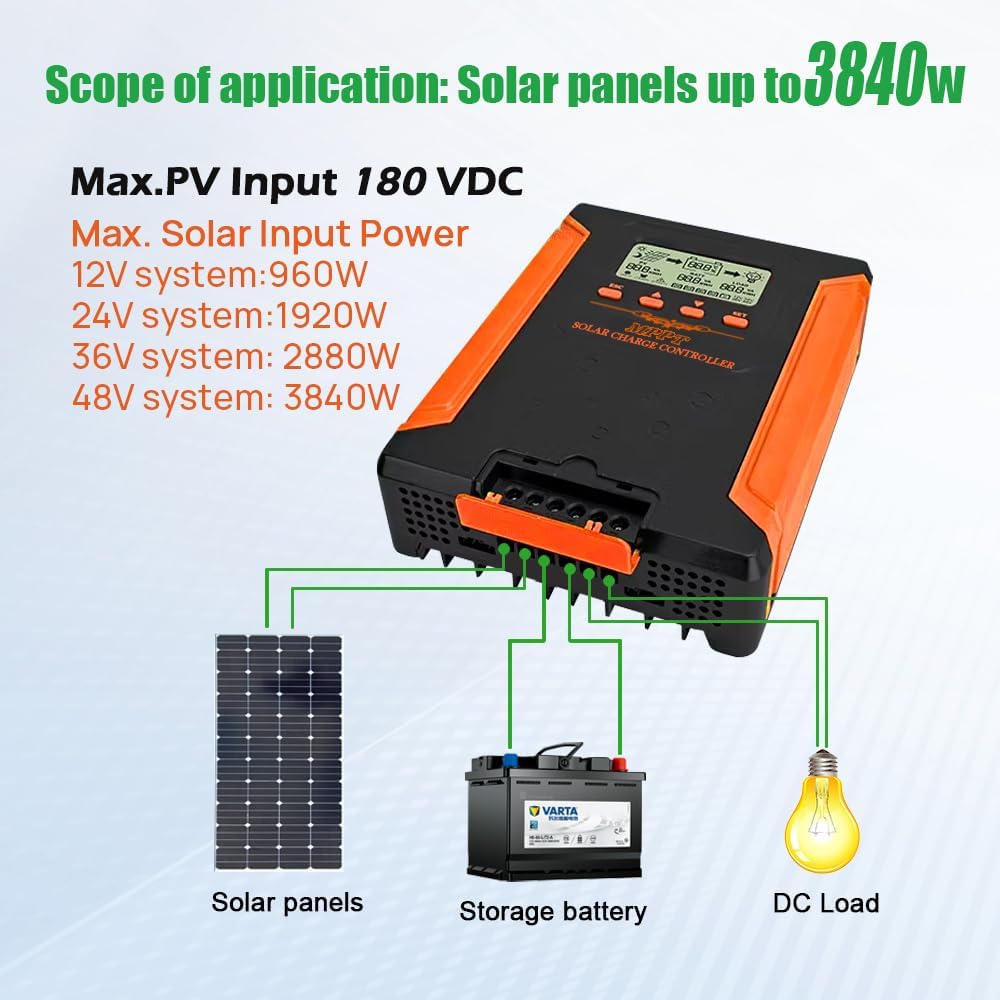
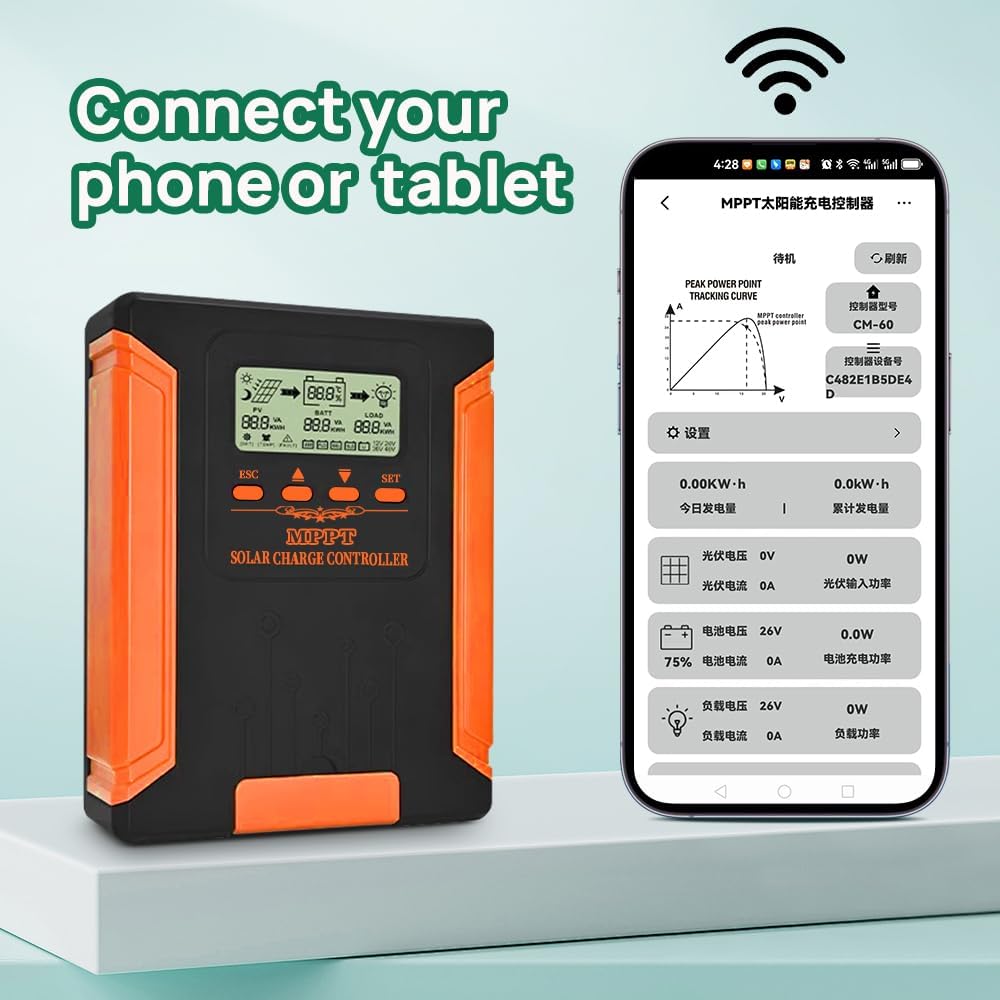
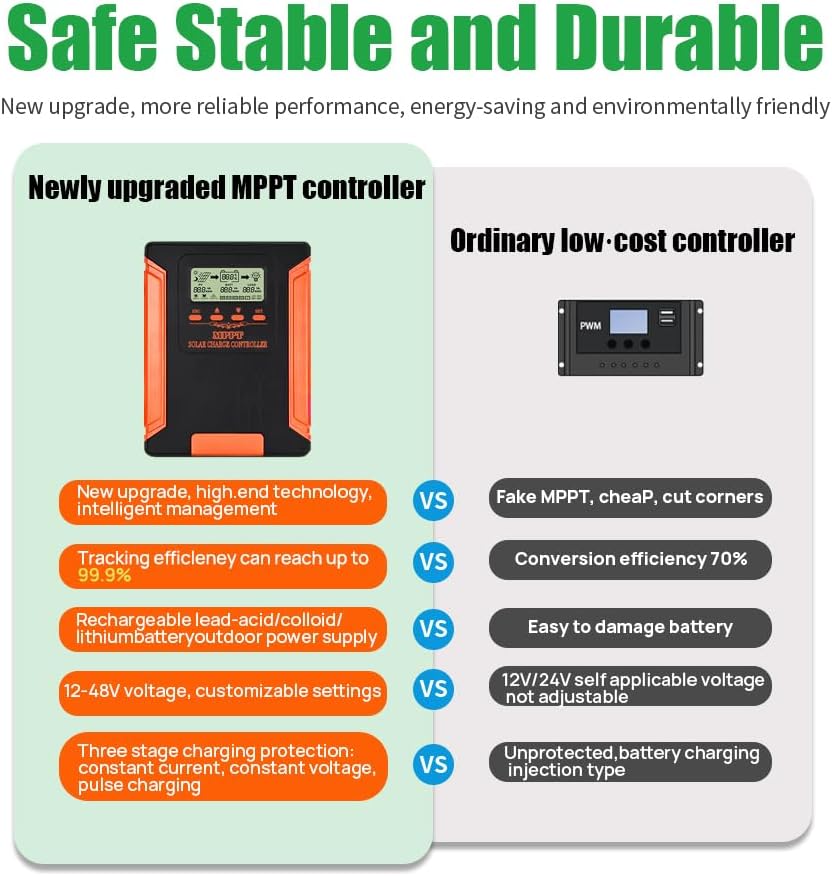
☀️【80A MPPT Solar Charge Controller】 Our MPPT controller features a high - ampere capacity of 80A and automatically recognizes system voltages of 12V/24V/34V/48V, and is compatible with solar panels within the 18 - 160V range. Ideal for both residential and industrial solar setups, it powers any dev
Quantity
-
Detail1Functional Feature Detail2Smart Solar Control3Safety Protections4Application Scope
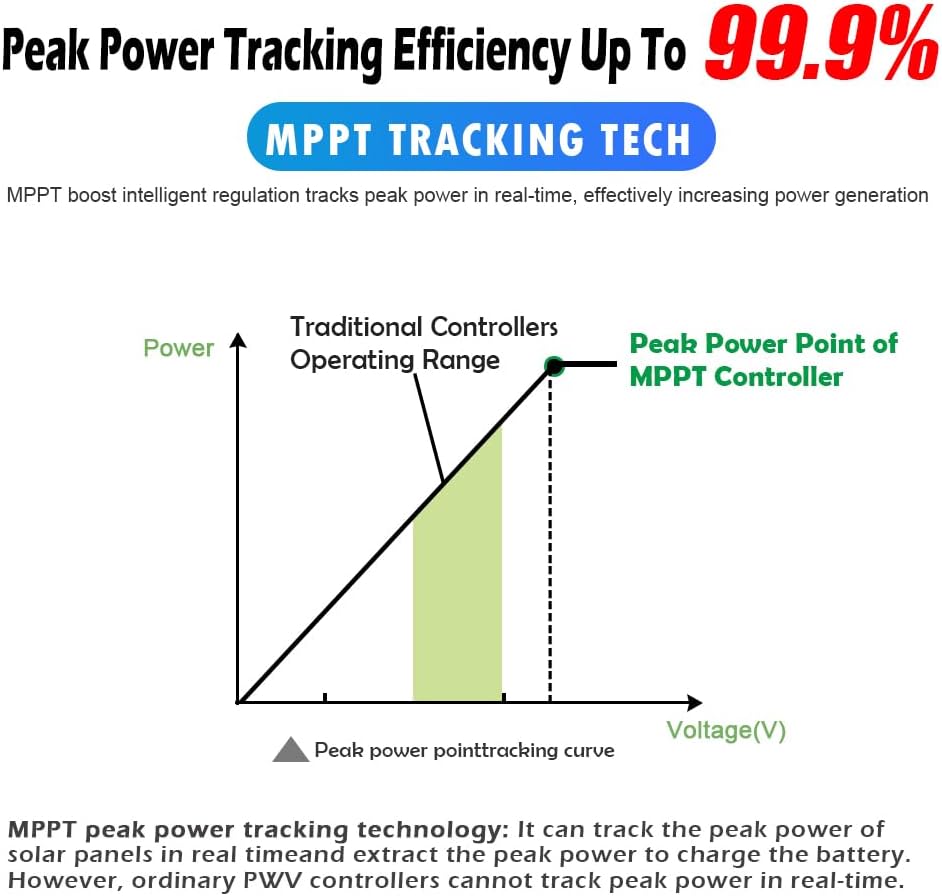
- Overview of MPPT Technology - Utilized in solar panels, wind turbines, fuel cells, and other power generation devices. - Enhances output efficiency by maintaining the maximum power point through algorithms and circuit design.
- MPPT Algorithms - Includes Open Circuit Voltage (OCV) algorithm, Short Circuit Current (SC) algorithm, Hill Climbing algorithm, and Perturbation & Observation (P&O) method. - Different methods are used to track the maximum power point for optimal light-to-electricity conversion efficiency.
- Role of MPPT Controller - Coordinates the operation of solar panels, batteries, and loads within a Photovoltaic (PV) system, serving as the system's "brain". - The industry recognizes the importance of multiple MPPT channels for inverters; hence, multi-MPPT string inverters have gained widespread acceptance.
1. Connect Battery
Only connect wires to BAT+ and BAT- terminals. Screen should light up, showing battery voltage.
2. Set Battery Type (Do this now)
Press SET to enter menu.- Select battery type (USE/FLD/GEL/SLD/LI). Use “UP/DOWN” to choose, press “SET” to save.
3. Connect Solar Panel
Connect wires to PV+ and PV- terminals.
Controller will detect voltage and start charging.
4. Connect Load (If needed)
After setup, connect devices to LOAD+ and LOAD-.
5.Final Check: Display should show solar charging in progress!
Solar Controller Quick Setup
-
Customer ReviewsNo comments