Top search terms
Home
/
Garosa Wind Solar Charge Controller 12V/24V MPPT Hybrid Regulator with LCD Display Boost PWM Technology for Home Marine Street Light Systems (600W Fan)

Garosa Wind Solar Charge Controller 12V/24V MPPT Hybrid Regulator with LCD Display Boost PWM Technology for Home Marine Street Light Systems (600W Fan)
[Comprehensive Protection System] Built with multiple safety features including solar anti-reverse, over/under voltage protection, overload protection, and battery reverse connection protection. weather- design ensures durability while light control, time control, and dawn light modes offer flexible
Quantity
-
Detail
Spec:
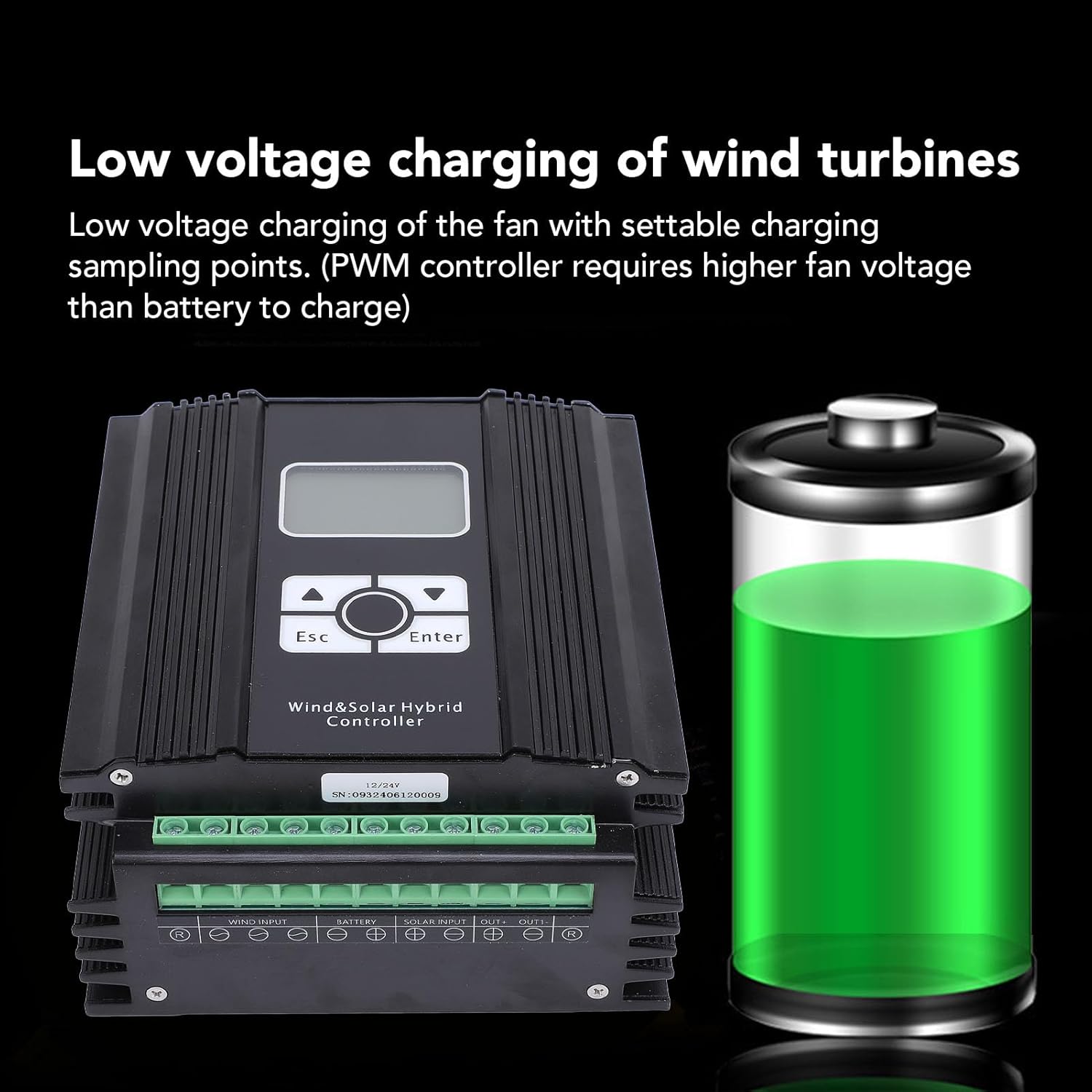
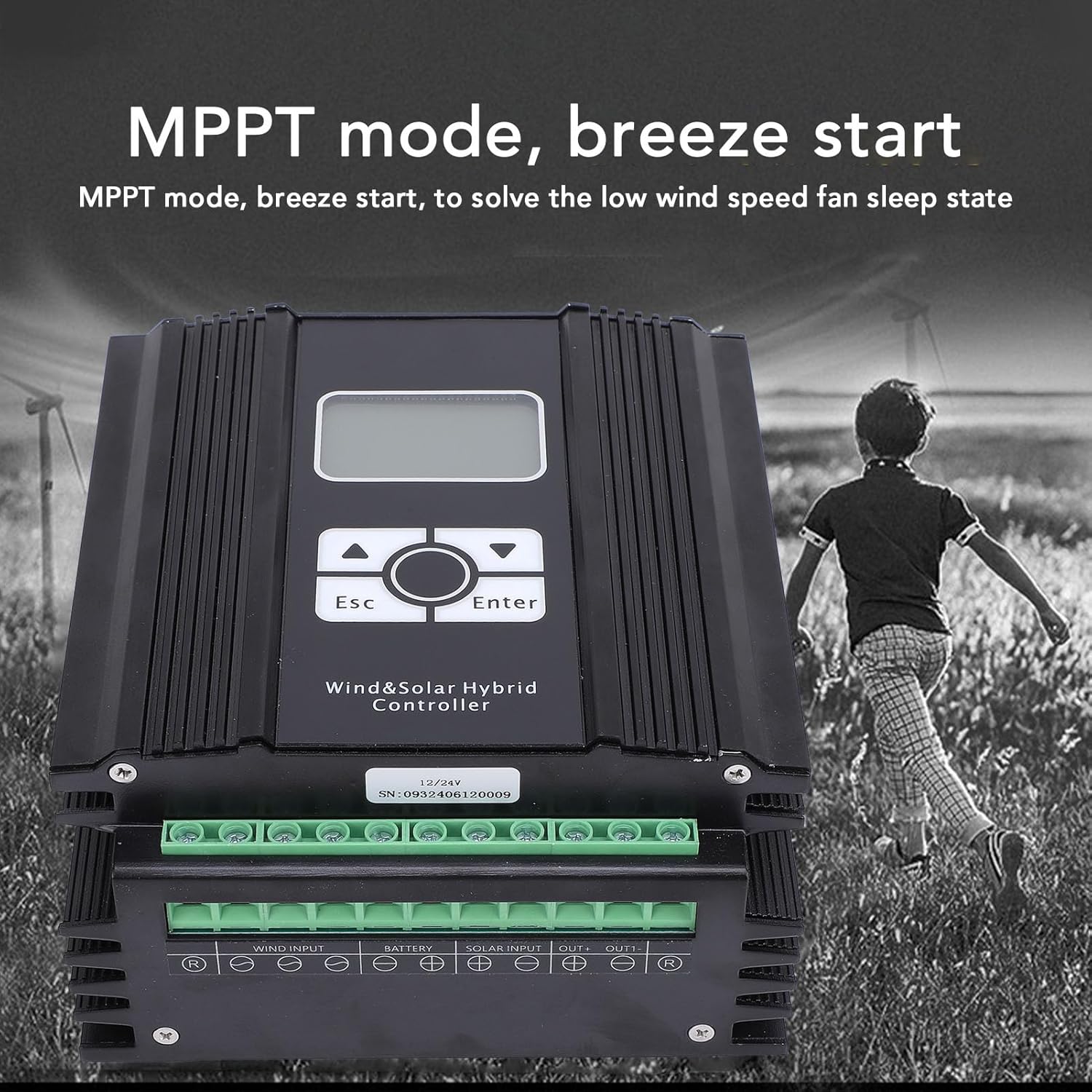
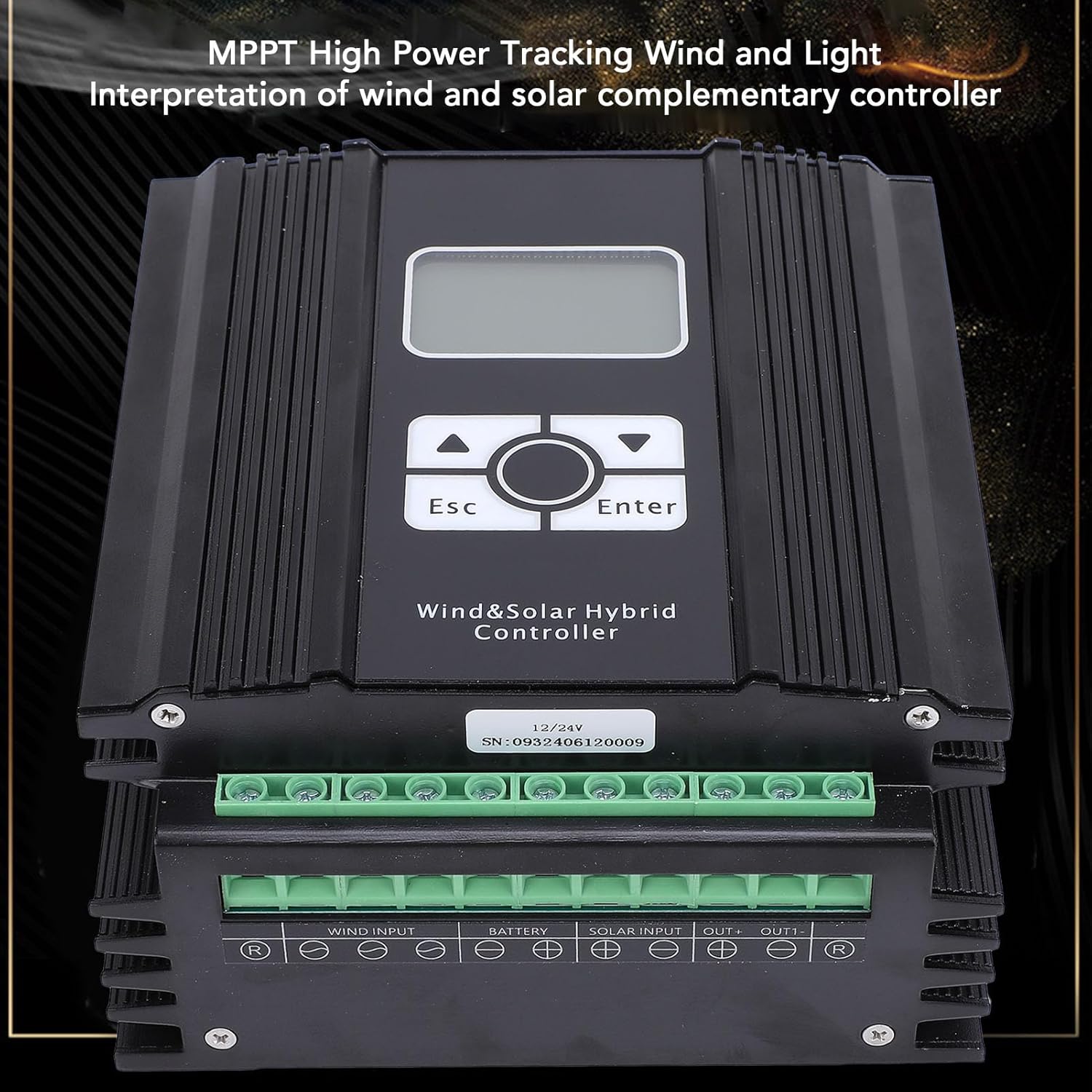
Item Type: Wind Solar Hybrid Controller
Material: Aluminum shell, steel
Rated System Voltage: 12V/24V self adaption
Rated Solar Power: 800W
Controller Power Mode: Battery or Solar
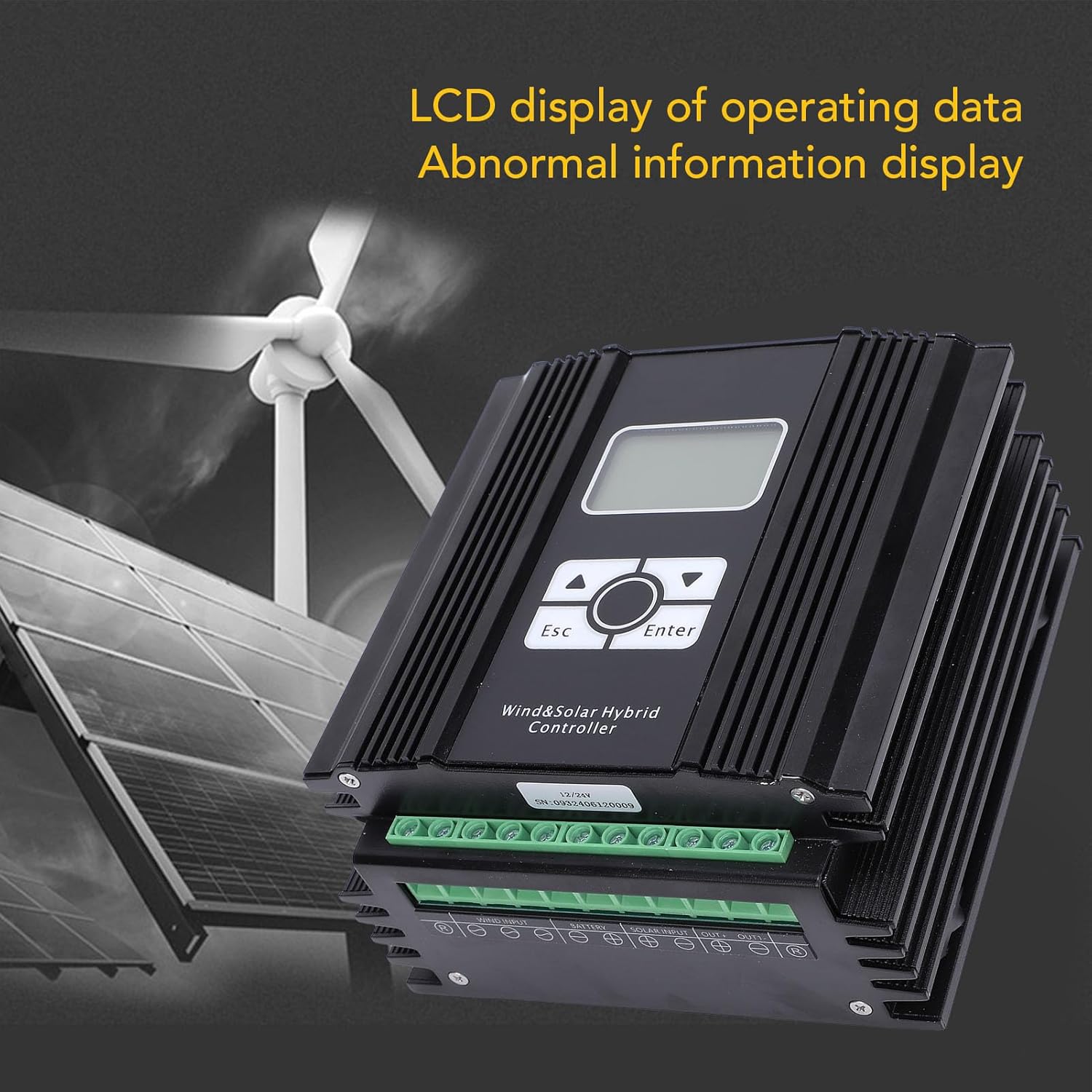
Display: LCD display
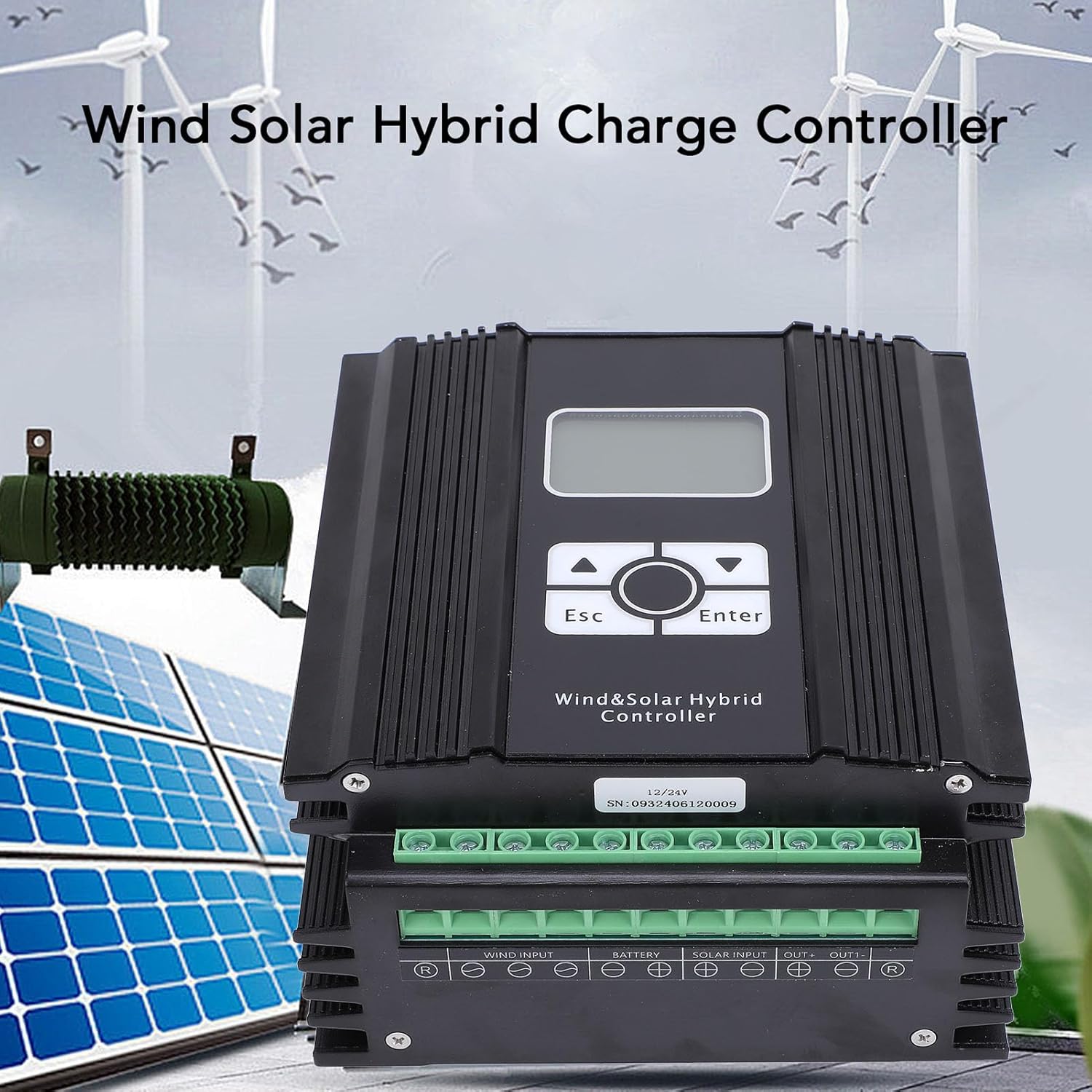
Displayed Parameters: Wind input voltage/current/power/generation/rotational speed/unloading current, Solar input voltage/current/power/generation, Battery voltage/charging current/power/total charging capacity/battery status information
Weight: Approx. 2335.00g / 82.36oz
Package List:
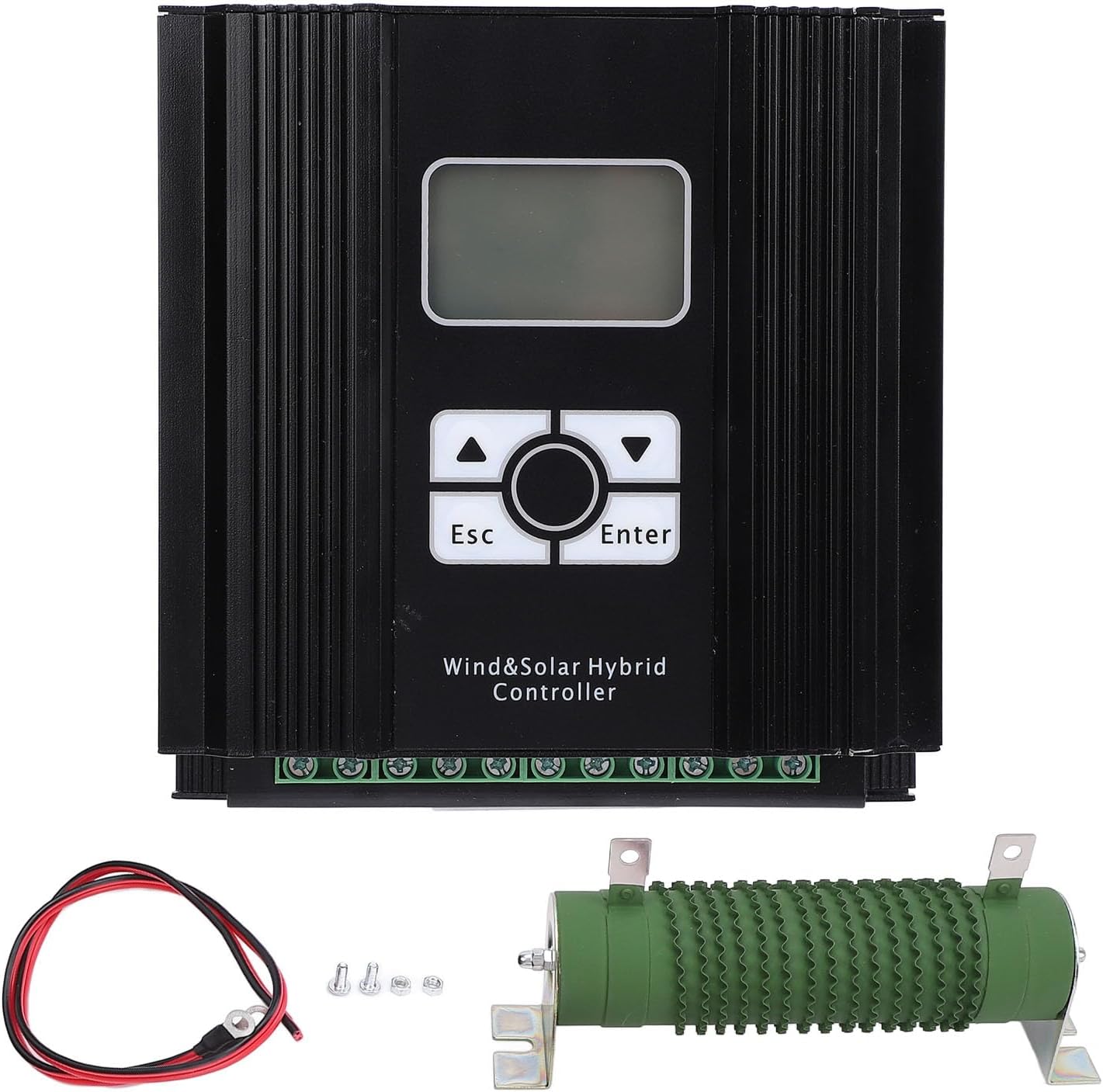
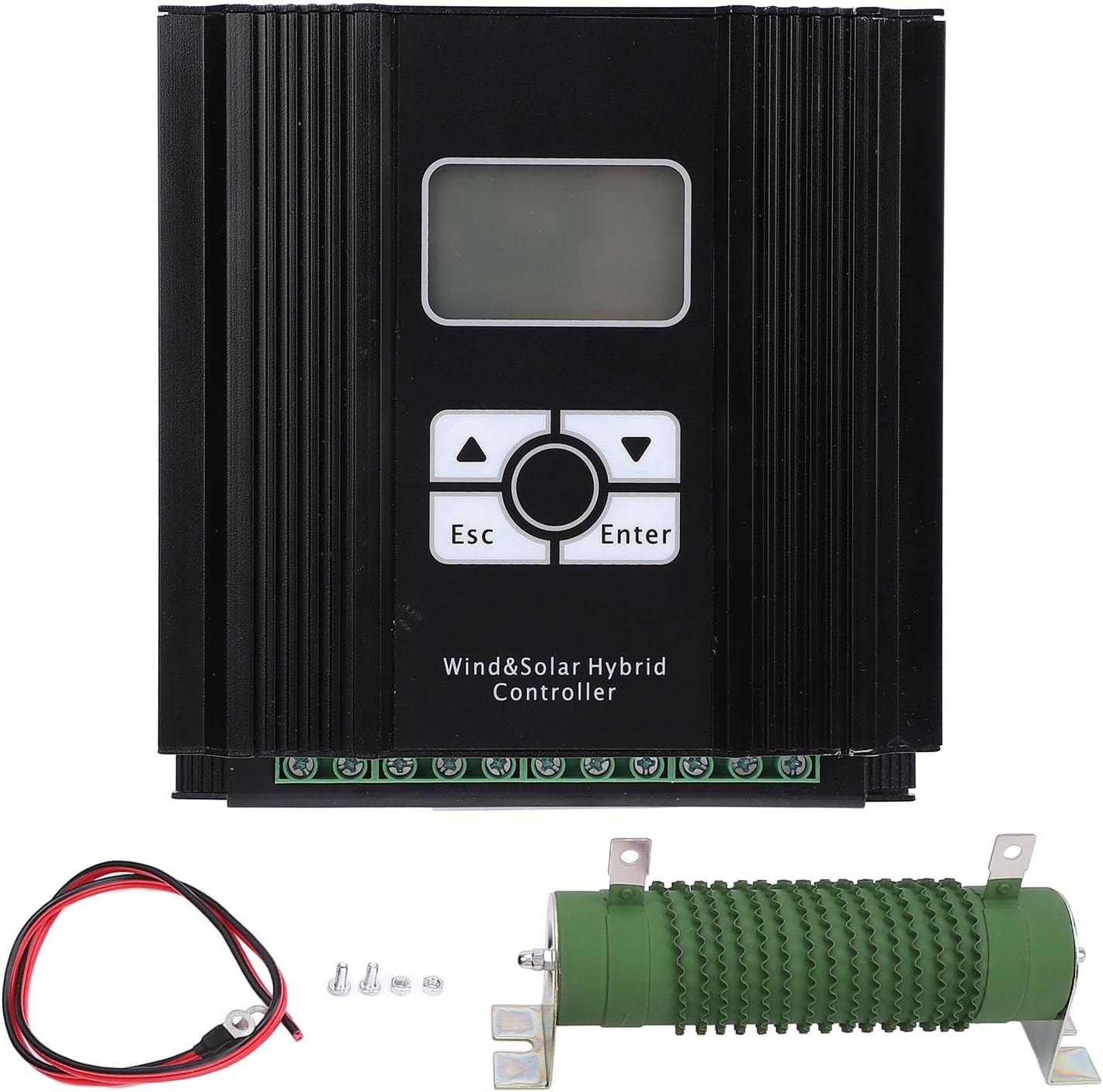
1 x Wind Solar Hybrid Controller System
1 x Resistor
1 x Cable
2 x Screws
2 x Nuts
1 x Instruction Manual
How To Use:
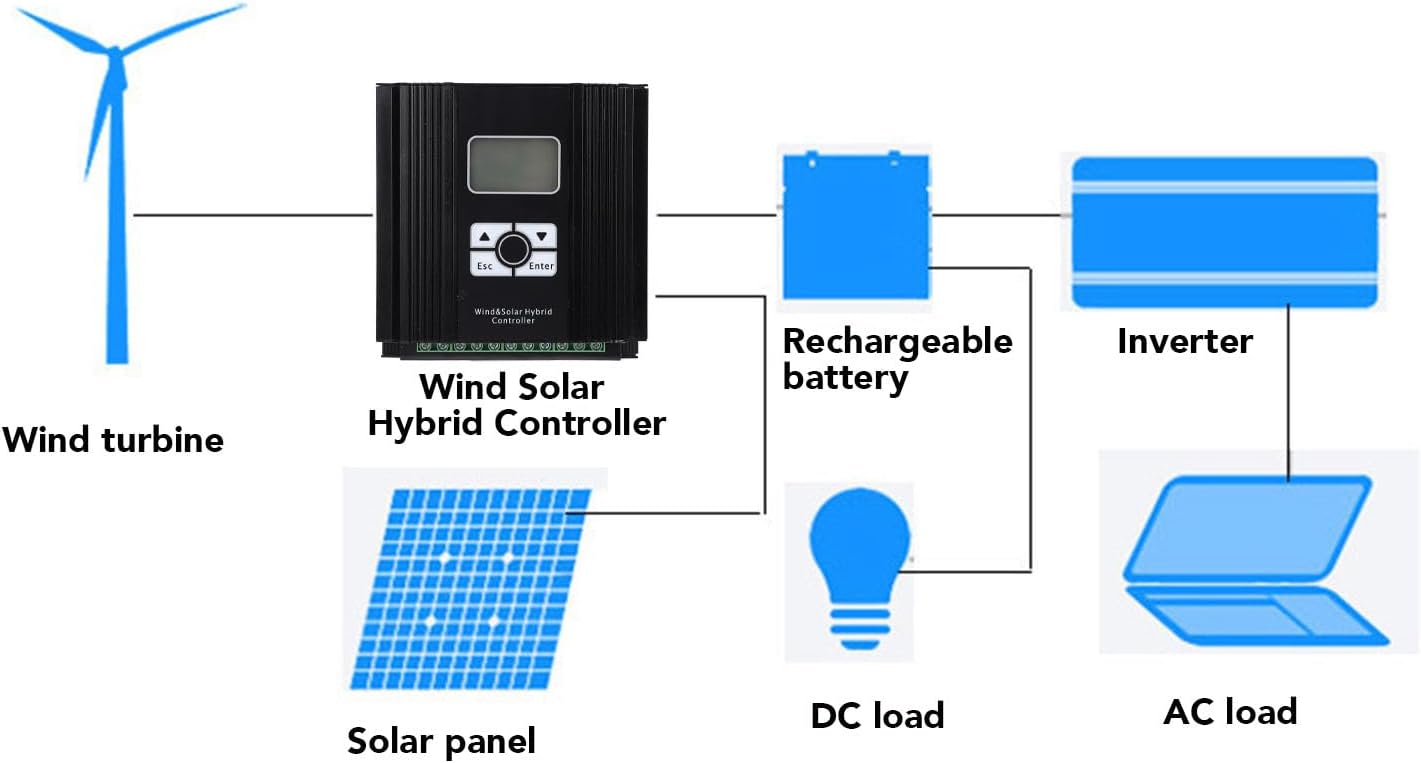
1. Connect the output load first.
2. Connect the battery next.
3. Then connect the solar panel.
4. Lastly, connect the wind turbine.
Parameter setting operation instructions:
1. Press and hold the ENTER key for more than 3 seconds on any browsing interface to enter the parameter setting interface.
2. Press the ENTER key to enter the next parameter setting item; press the ESC key to enter the previous parameter setting item.
3. When the parameter needs to be set to flash: press the UP key to increase the value, long press for rapid increase; press the DOWN key to decrease the value, long press for rapid decrease.
4. After setting the parameters, press and hold the ENTER key for more than 3 seconds to save the parameters and exit the setting state.
5. After setting the parameters, press and hold the ESC key for more than 3 seconds to not save the parameters and exit the setting state. -
Customer ReviewsNo comments